Text Replacements — text expander for Chrome and Edge
Type a short shortcut, get the full text. ;email becomes your email address, ;sig your whole signature, :fire: becomes 🔥.
What it does
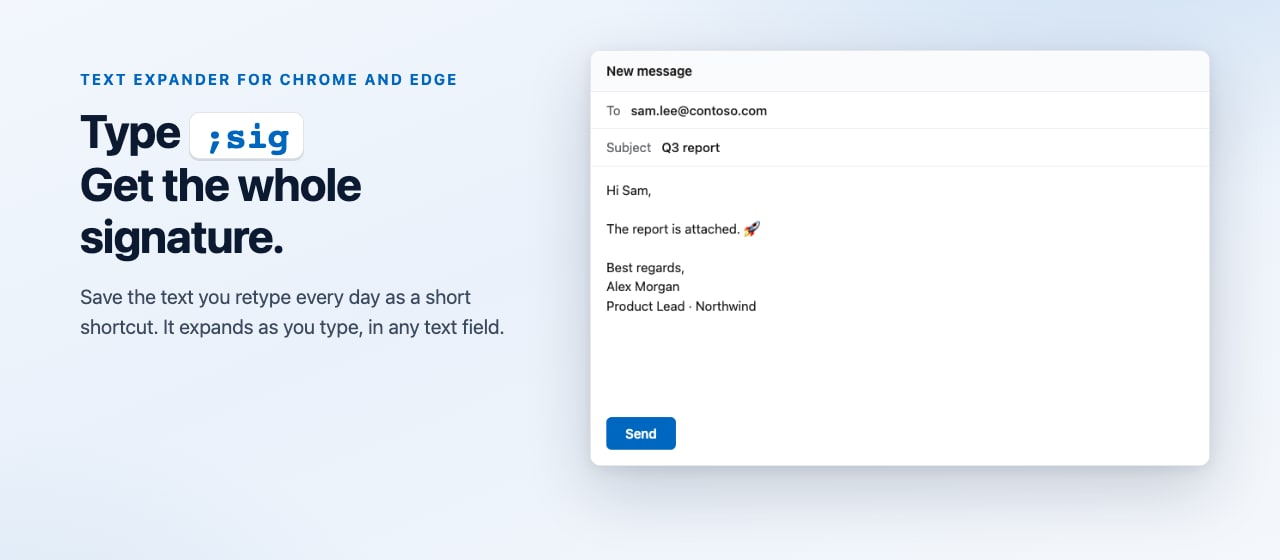
- Works in text fields on the sites you allow: mail, chats, documents on the web, forms and comments.
- Expands after Space, Tab or Enter, after punctuation, or instantly. In chats, Enter sends the expanded text.
- Dates that stay current:
{date},{time},{datetime:yyyy-MM-dd HH:mm}. - 68 starter shortcuts and 1,900 emoji codes.
- Import and export your library as JSON or CSV.
- Pause with Alt+Shift+P, or turn replacements off on a single site.
- Available in 13 languages.
The same shortcuts in every Windows app
Text Replacements for Windows expands the same shortcuts in Word, Outlook, Telegram and every other app. Export your library from the extension and import it into the Windows app as is.
Questions
Why does the extension ask for access to websites?
To recognize a shortcut, it reads the text you type in a text field. You can allow all websites or only the ones you choose, and change that at any time in the extension's settings.
Where doesn't it work?
On browser pages such as settings and the extension stores, in Google Docs, Sheets and Slides, and in password fields.
How do I move my shortcuts to another computer?
Export the library as snippets.json in the extension's library and import the file on the other computer.
Contact
Questions, bug reports and feedback
gagarinsoft@gmail.comThat mailbox is operated by Google. When you write to us, Google processes the content of your message as our email provider, and a copy stays in the mailbox until we delete it. Google is based in the United States, so an email sent from another country is transferred internationally. See the Google Privacy Policy.