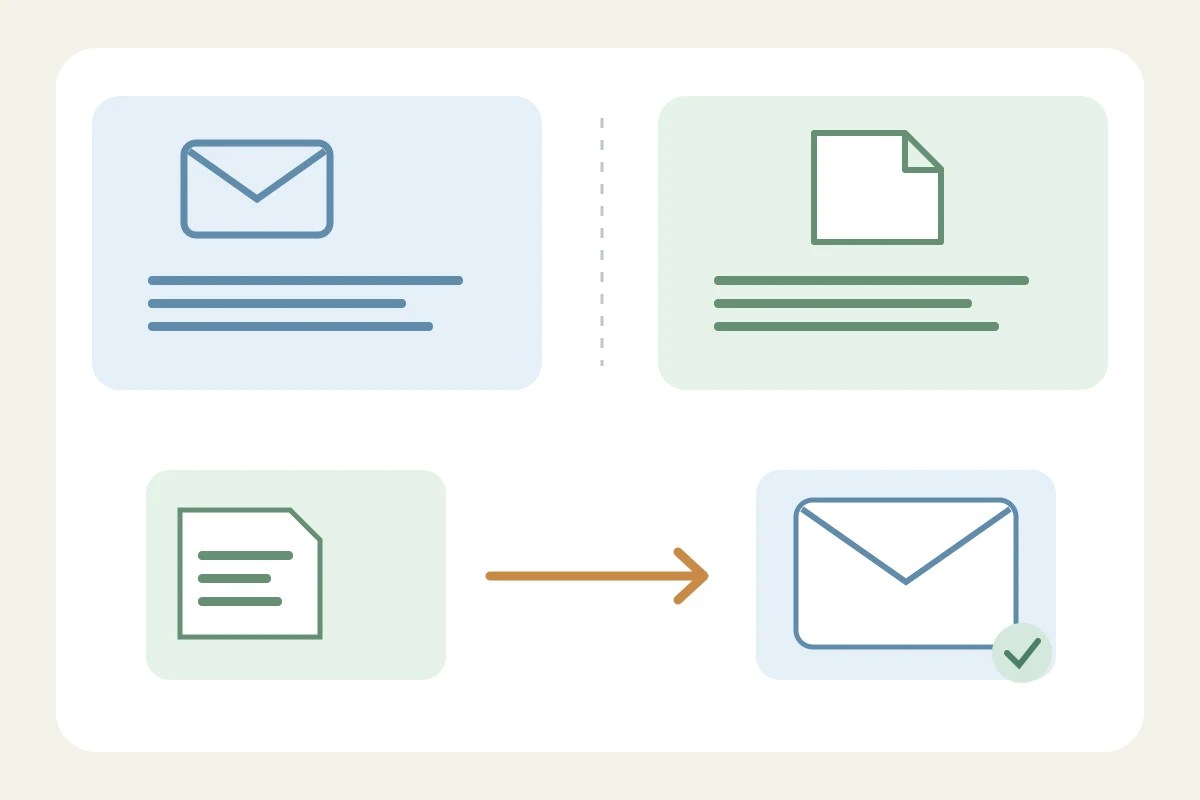
A saved Gmail template belongs to Gmail’s composer. It does not become a Google Docs shortcut. Docs has its own reusable blocks and substitution settings, while a browser expander has a separate compatibility boundary. Identify which feature you are trying to use before changing permissions.
Insert a saved reply in Gmail
On a computer, enable Templates under Gmail’s advanced settings and save the changes. Compose the wording you want to reuse, then save the draft as a new template from the message’s More options menu. To reuse it, open a compose window and choose the saved item under Templates. Google documents this as a desktop Gmail feature, not a shared shortcut library for other editors. Google.
Use Docs building blocks for document structure
Google Docs provides building blocks through Insert or the @ menu. Think of these as document elements: an agenda or draft structure is a different object from a phrase triggered by typing a few letters. If you need a collaborative working document, start with the block that matches the task. Do not expect a Gmail template name to appear automatically in that menu. Google.
Check Docs substitutions separately
Docs also has substitution controls under Tools, Preferences, Substitutions on a computer. If you mean a word replacement rather than a saved email, inspect those settings. A Docs setting is separate from both Gmail’s Templates switch and an extension’s saved library. Before troubleshooting a long response, try one harmless example in a new document and note which feature is supposed to replace it. Google.
Draft an email in Docs when it needs review
An email draft block lets you prepare a subject, recipients and body in Docs and collaborate before opening the draft in Gmail. Google’s current instructions say the Google Account language must be English to preview the draft in Gmail. Treat that as a specific workflow requirement, not a rule that all Docs reuse requires English. Check recipients and the sending account again in the Gmail window. Google.
A browser extension does not cover every browser editor
Text Replacements for Chrome and Edge supports replacements in compatible website fields but explicitly excludes Google Docs, Sheets and Slides. If it expands a phrase in Gmail and not in Docs, that difference is consistent with the product’s documented boundary. Giving it access to more sites does not remove an explicit unsupported-editor limit. Use a Docs-native feature or a tool documented for Docs instead. Text Replacements.
Diagnose the feature before changing settings
Write down the place where the failure happens: Gmail compose, document body, comment box or another field. Then identify the source of the saved text: Gmail template, Docs block, Docs substitution or extension library. In a disposable draft, test insertion and undo. With an extension, inspect its site access and pause state only after confirming the editor is supported. This is a proposed check, not a claim that we tested every combination.
Keep the source wording easy to maintain
For a repeated email, one Gmail template can be easier to update than several independent copies. For a draft that needs colleagues’ comments, use a working document. For short text across supported web fields, consider a browser library. Whichever route you choose, check names, dates and promises before sending. Keep a safe copy before overwriting a template; Google notes that deleted Gmail templates cannot be recovered. Google.
Frequently asked questions
Does Gmail’s Templates setting enable Docs shortcuts?
No. Gmail templates, Docs blocks and Docs substitutions are separate features with separate controls.
Why does the extension work in Gmail but not Docs?
Text Replacements explicitly excludes Google Docs, Sheets and Slides. A successful replacement in Gmail does not establish Docs support.
Can I prepare an email with colleagues in Docs?
Google documents an email draft block and a Gmail preview. Its current preview instructions require the Google Account language to be English.
Sources checked 3 November 2026