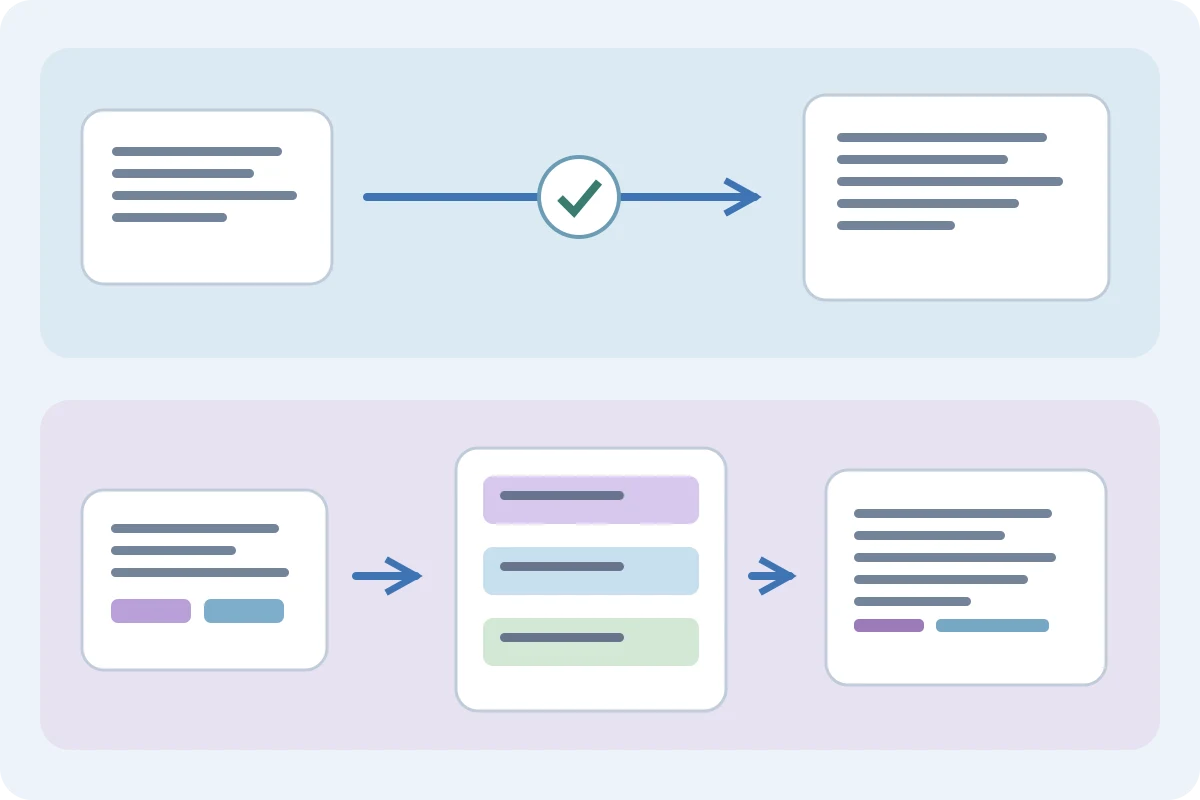
Choose a simple expander when you want a shortcut to insert wording you already approved. Consider Text Blaze when each insertion needs a form, calculation or a coordinated team template. The useful comparison starts with a real reply, not a feature count.
What changes from one reply to the next?
Take a delivery reply: a fixed explanation, the customer's name and a promised date. If only the name changes, inserting a short paragraph and editing it may be enough. If several values recur throughout the reply, a form-driven template can reduce the places you must update. This is a workflow choice, not evidence that either product makes fewer mistakes.
Compare the task
| Need | Simple replacement | Dynamic template |
|---|---|---|
| Exact approved paragraph | Insert, then review | Optional |
| Several changing values | Edit each occurrence | Consider form fields |
| Shared wording updates | Maintain your library | Examine shared folders |
What Text Blaze adds to saved text
Text Blaze documents form fields, formulas, date commands, cursor placement and keyboard automation. Its shared folders distribute updated snippets to colleagues. These features matter when a reply is assembled from several inputs or when a team needs one maintained source. Check the current plan and command documentation before building around a feature; this article does not compare subscription prices. Text Blaze · Commands · Text Blaze.
Where a simpler library fits
Text Replacements for Chrome and Edge is a browser extension for saved replacements, including date and time placeholders. Its product page describes local storage without an account, site controls, and JSON or CSV import/export. That suits an email address, a signature or a short reusable explanation. File transfer is a deliberate export/import step; do not assume continuous synchronization between computers or the Windows app. Text Replacements.
Check the editor before migrating
An extension being installed does not prove that a particular editor is supported. Text Replacements explicitly excludes Google Docs, Sheets and Slides, browser settings and extension stores, and password fields. Text Blaze's site lists Google Docs among its supported destinations. If Docs is essential, that distinction can decide the shortlist before you compare template design. Verify the exact browser, account and field you use. Text Replacements. Text Blaze.
Try one realistic reply before moving a library
Create a harmless shortcut such as ;replytest with two paragraphs, one accented word and an example URL. In a disposable draft, check expansion, paragraph breaks, undo and the key that triggers it. In a chat, confirm whether Enter expands or sends. Repeat in the actual support form. This is a suggested evaluation procedure; we have not run a product benchmark or verified every editor.
Migrate wording, then rebuild behavior
Start with five frequently used snippets. Keep an export of the old library. Copy ordinary text first, then inspect dates, forms and commands individually: an export file does not make two command languages compatible. Replace an unsupported dynamic field with clearly visible text to edit, or rebuild it using the destination's documented feature. Compare the final inserted message with your approved source before replacing the rest.
Assign an owner to the words
A fixed response can become inaccurate even when expansion works perfectly. Put refund terms, shipping promises and contact details on a review schedule. Give reusable clauses an owner, and keep customer-specific facts out of the shared base. For a solo library, predictable shortcuts may be all you need; for coordinated updates, examine sharing permissions and who can edit or distribute each template.
Frequently asked questions
Is a simple expander limited to unchanging text?
Not necessarily. Text Replacements also documents date and time placeholders. Check the exact dynamic feature you need rather than treating all expanders alike.
Can I move Text Blaze commands into another expander?
Do not assume command compatibility. Transfer ordinary wording first and rebuild each dynamic part from the destination documentation.
Does Text Replacements support Google Docs?
Its browser-extension page lists Google Docs, Sheets and Slides as unsupported. Choose a tool documented for the editor you need.
Sources checked 3 November 2026