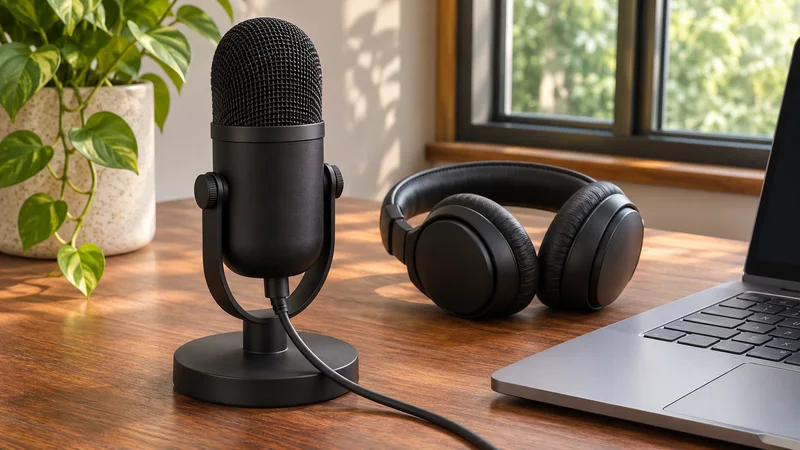
Microphone Cuts Off Words in Windows: What to Test
Compare a local recording with your call app to separate missing syllables, noise suppression, input selection and device problems.
Articles & guides
Practical guides, tips and answers to common questions. Explore 26 articles. Page 1 of 3.
Compare a local recording with your call app to separate missing syllables, noise suppression, input selection and device problems.
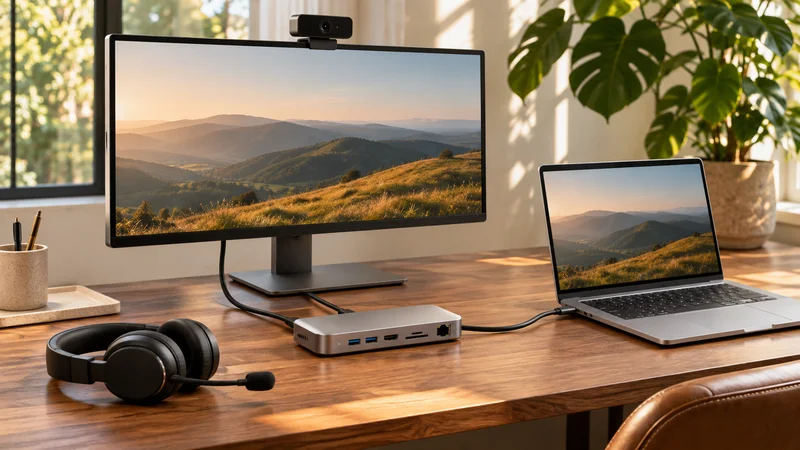
Check the actual camera, microphone and speaker after docking. Separate device selection from USB connection problems before your next meeting.
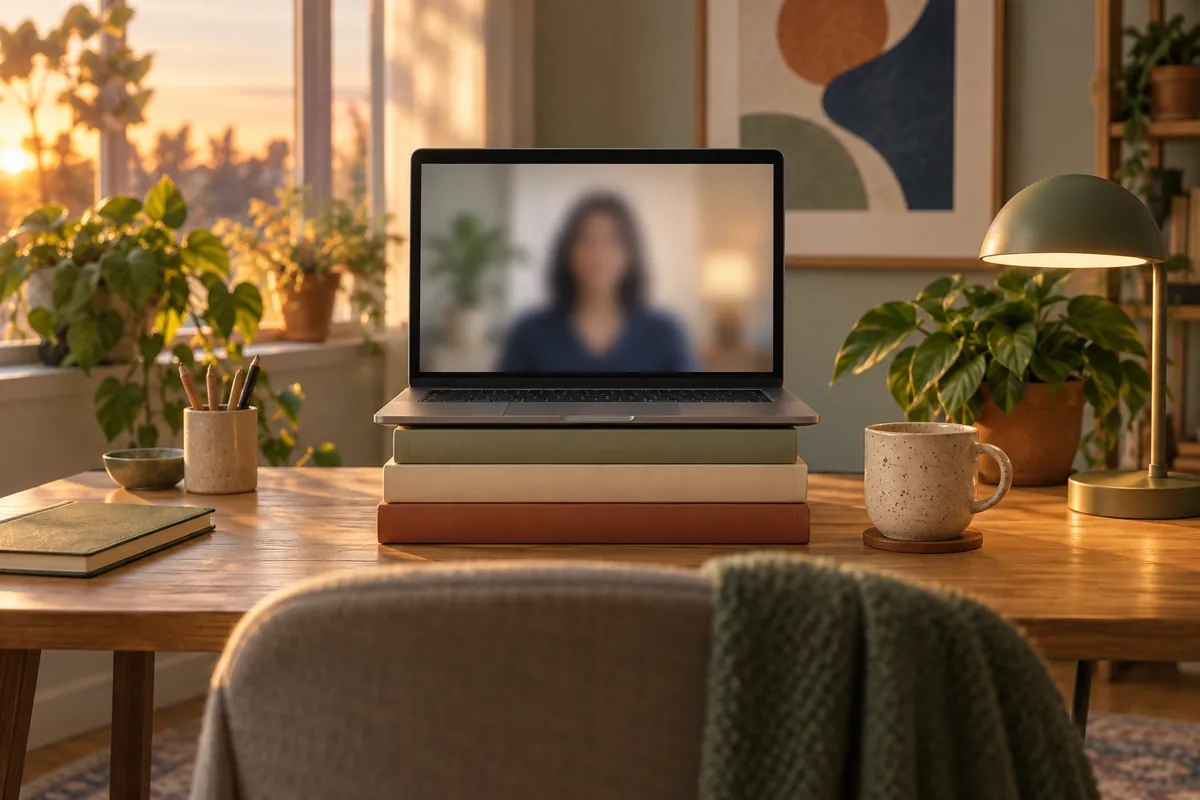
Put the camera at eye level, sit an arm's length away and frame your head and shoulders. What research says about camera angle and where to look in a call.
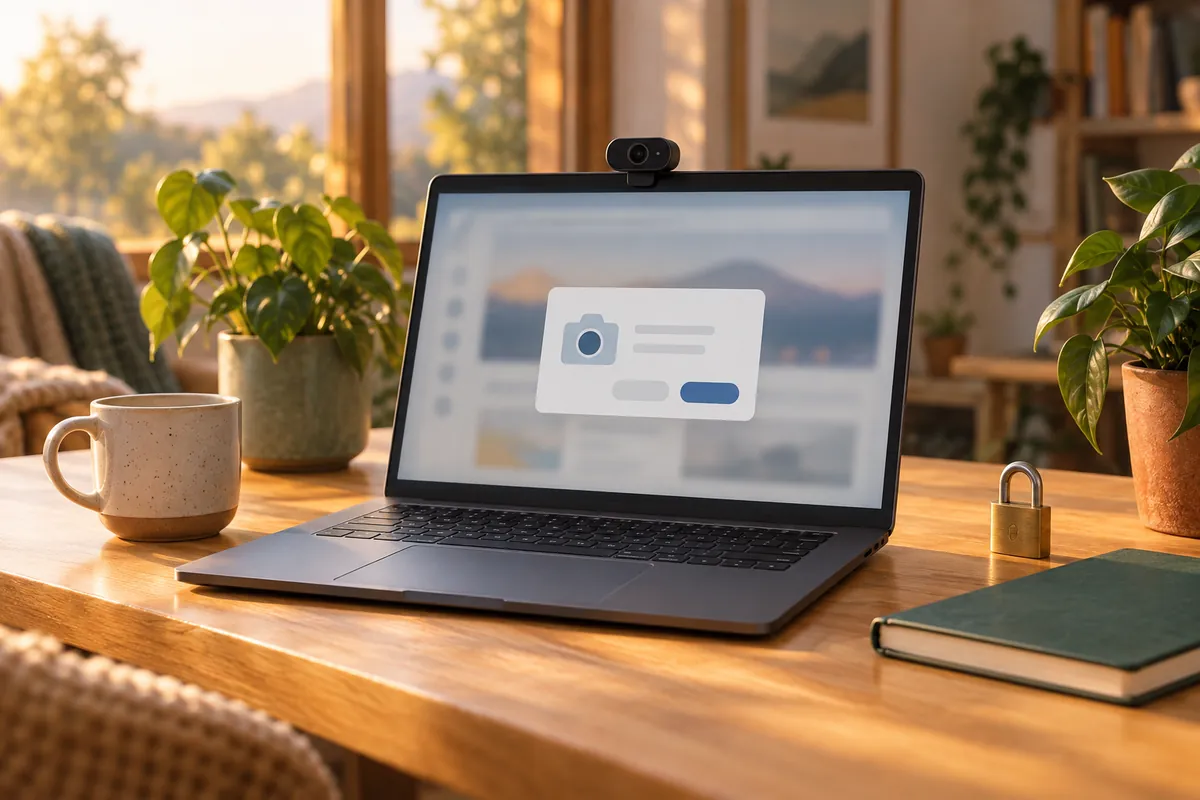
What an online webcam test can and cannot do with your camera, how to allow it for one visit and remove it later, and how to test a webcam without a website.
A black laptop camera is often a closed shutter, a camera key or the maker's privacy mode. Where to find each on HP, Dell and Lenovo, and how to switch it back.
Jitter is how much your connection's delay varies; packet loss is data that never arrives. Good values for Teams and Zoom, and three ways to test on Windows.
A VPN can add delay and jitter to Teams and Zoom calls. Compare a check with the VPN on and off, try a nearer server, and ask IT about split tunnelling.
Run your proctoring provider’s system test first, then check camera, light, mic, speakers, network and power. Day-before and 30-minute checklist to download.
Use a shared checklist before an online lesson: test speech both ways, camera, readable materials and screen sharing. Download the student and tutor checklist.
Check your camera, microphone, sound and connection before a telehealth video visit. Test the provider’s portal separately and keep a backup contact ready.

Try screen light for a dim video call without buying a ring light. Compare the camera preview, reduce glare and use CallReady’s white Screen Light window.
Prepare a Windows laptop for a video call away from home. Check the network, chosen devices, room noise and lighting, then verify the meeting app.