Remove repeated page headers and footers from a copy of the converted Markdown, after checking them against the PDF. Keep material that changes the meaning or identifies the source.
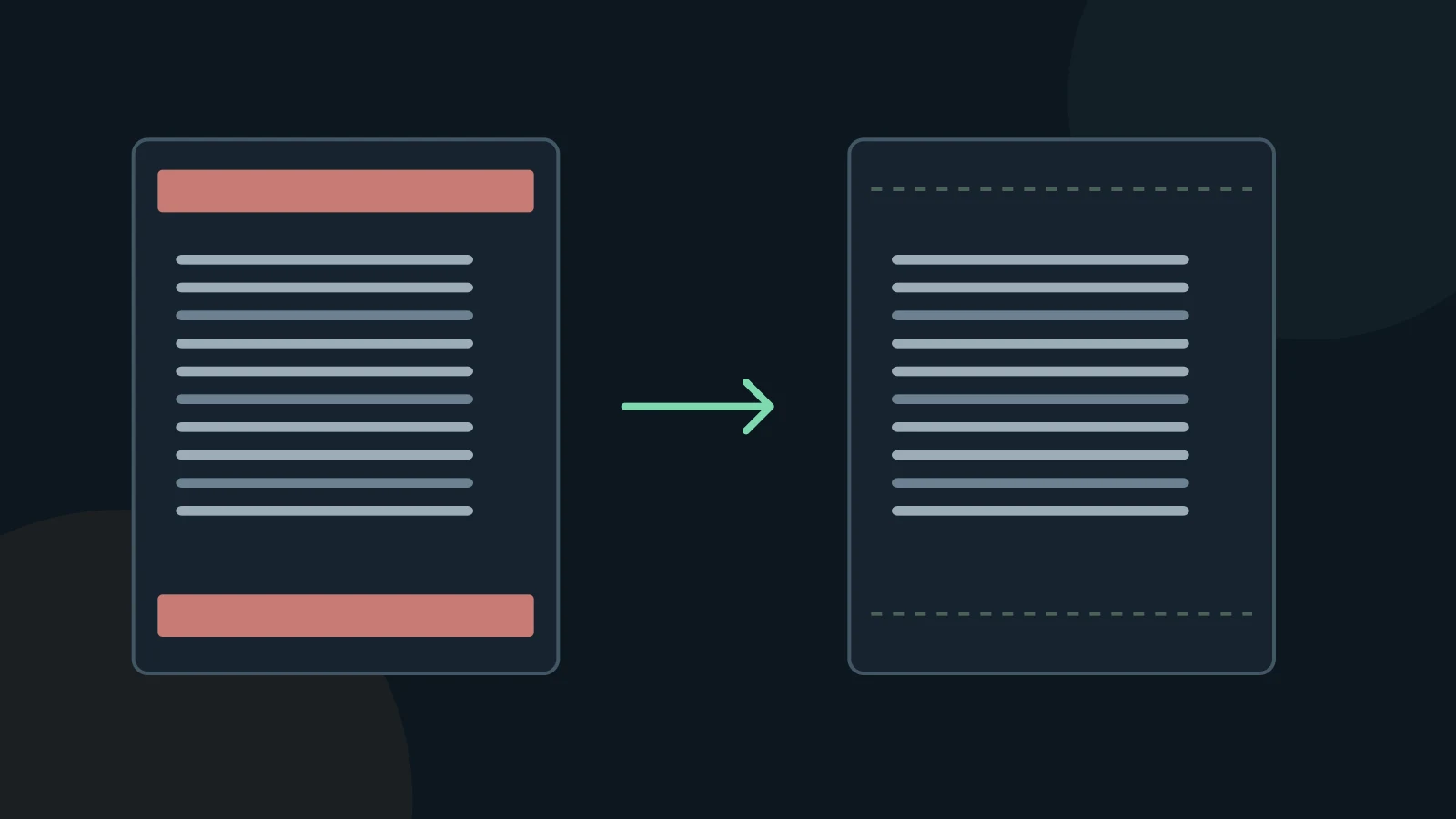
Separate page furniture from document content
A report title at the top of every page can interrupt paragraphs after extraction. Page numbers, repeated copyright lines and running section names need separate decisions. A repeated table header is useful inside a long table; it should not be deleted by the same rule as a running page title.
The pypdf documentation shows a coordinate-based header and footer filter, but warns that positions can be difficult in complex files. Fixed top and bottom cutoffs are not universal. A footnote or the last line of a paragraph may occupy the same area.
Remove a confirmed pattern conservatively
- Keep the original export. Search for a distinctive repeated phrase and inspect its first, middle and last occurrence.
- Compare those occurrences with the PDF page edges. Check cover pages and pages with a different orientation separately.
- Remove only the confirmed running line. Review changing page numbers individually or with a tightly scoped pattern.
- Read across every affected paragraph boundary. Check the result with a diff so that deleted body text is visible.
Preserve provenance and meaningful notes
If “Annual report” appears between two halves of a sentence on every page, remove those repeated copies. Preserve the report title once in the document heading or source note. A changing chapter title may be useful as a real heading at the start of the chapter.
Do not delete every short line or every line containing a number. Those rules also catch dates, reference labels, table values and footnotes. Keep confidentiality notices or usage restrictions in a source note when they apply to the document; cleaning text does not change permission to share it.
Review before using the result
A conversion is a working copy. Keep the original PDF and compare the passages you will quote, calculate from, or give to an AI assistant. A successful export does not establish that the text is complete or correct.
MD Factory converts documents to Markdown on Windows. Complex PDF tables use layout heuristics; merged cells and multiline content can need manual repair. OCR accuracy depends on the source image and text. This guide does not promise automatic cleanup or a particular recognition accuracy.
Questions and answers
Should page numbers always be removed?
No. They can support quotations and later verification. Move useful page references into consistent markers rather than leaving them inside sentences.
Does cleanup make an AI answer accurate?
It can make the input easier to read, but the answer still needs verification against the source. Cleanup is not a factual guarantee.
Sources and verification
Sources checked on November 3, 2026. The instructions below describe a manual review workflow, not additional MD Factory controls.