Try copying a short passage from several PDF pages into a plain-text editor. Readable copied text suggests an available text layer; empty or garbled output needs further diagnosis before you choose OCR.
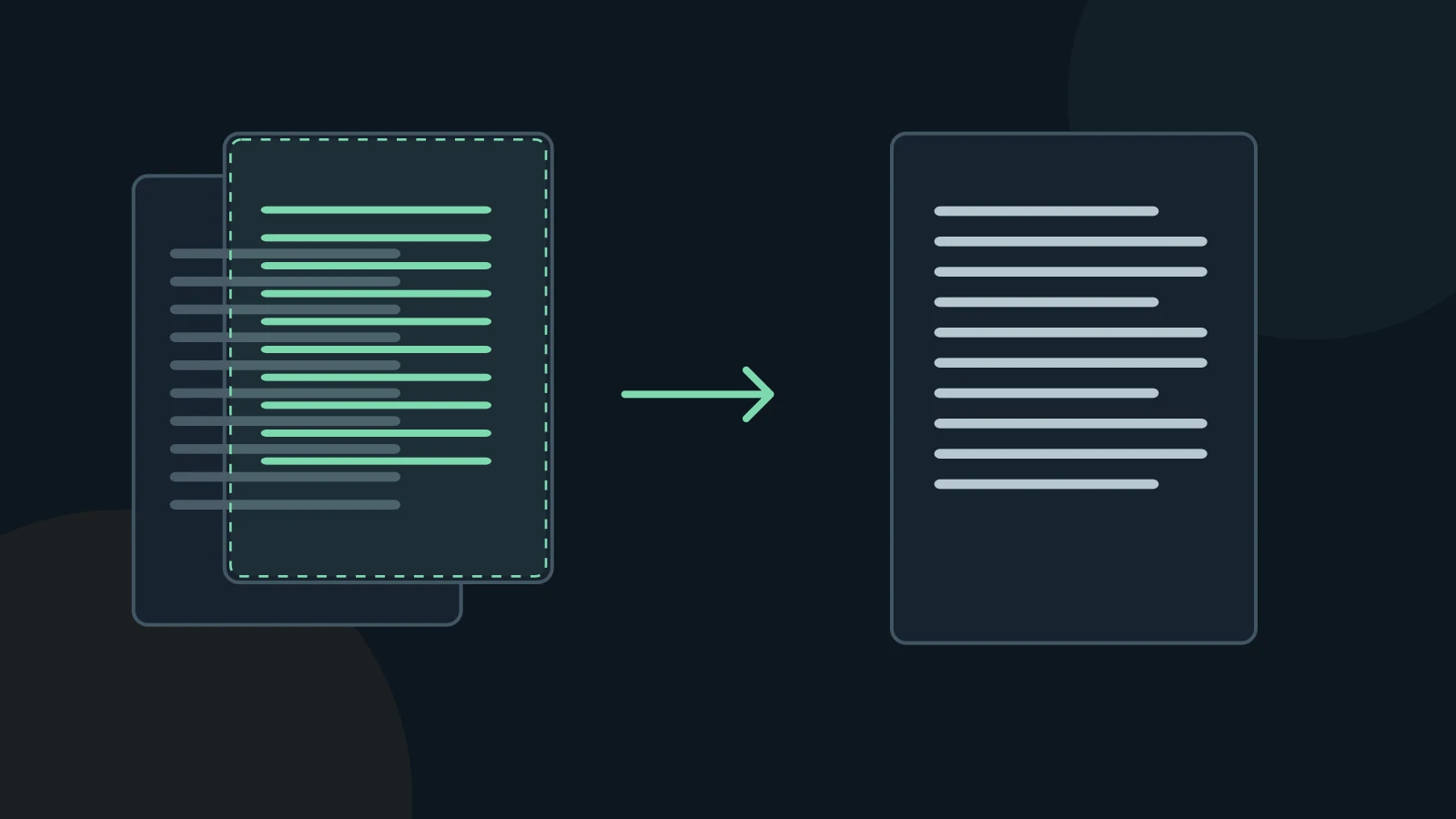
Distinguish three kinds of PDF page
A digitally created page may contain text that an extractor can read directly. A scan may contain only an image of the page. An OCR-processed scan can look identical while also carrying invisible recognized text. OCRmyPDF documents how it adds this searchable layer to images.
Selection is a useful test, not an accuracy certificate. A hidden OCR layer can contain wrong characters; custom font encodings can produce nonsense from a visually sharp page. Test an ordinary paragraph, a number and a non-English name where relevant.
Choose a path page by page
- Copy text from the beginning, middle and end. Include a scan or appendix if the document mixes page types.
- If the text is readable, first inspect direct extraction for missing characters and layout errors. Avoid unnecessary recognition of a usable text layer.
- If the page is image-only, use an OCR-capable conversion workflow and choose appropriate recognition languages when the tool offers them.
- If copied text is wrong, compare it with the visible page. Decide whether the problem is recognition, encoding or reading order before retrying.
Verify recognition where a mistake matters
OCR reads pixels and makes character guesses. Review identifiers, names, decimal points, minus signs and similar-looking characters such as O and 0. A plausible word can still be the wrong word. A quality flag cannot replace checking an important passage.
For a mixed PDF, one successful copy test does not describe every page. Keep the original scan for comparison and do not call a new OCR layer a correction until you have verified it. Blurred or cut-off text may require a better source image rather than another conversion.
Review before using the result
A conversion is a working copy. Keep the original PDF and compare the passages you will quote, calculate from, or give to an AI assistant. A successful export does not establish that the text is complete or correct.
MD Factory converts documents to Markdown on Windows. Complex PDF tables use layout heuristics; merged cells and multiline content can need manual repair. OCR accuracy depends on the source image and text. This guide does not promise automatic cleanup or a particular recognition accuracy.
Questions and answers
Does selectable text mean no OCR was used?
No. A scanner may already have added a hidden OCR layer. Compare copied text with the visible scan.
Should I OCR every PDF for consistency?
Directly available text avoids a new recognition step. Use OCR when the page or its existing text layer requires it, then verify the result.
Sources and verification
Sources checked on November 3, 2026. The instructions below describe a manual review workflow, not additional MD Factory controls.