Windows app
MD Factory
Documents to Markdown.
For your AI tools.
Add files or a whole folder and convert them on your Windows PC. Your documents stay local.
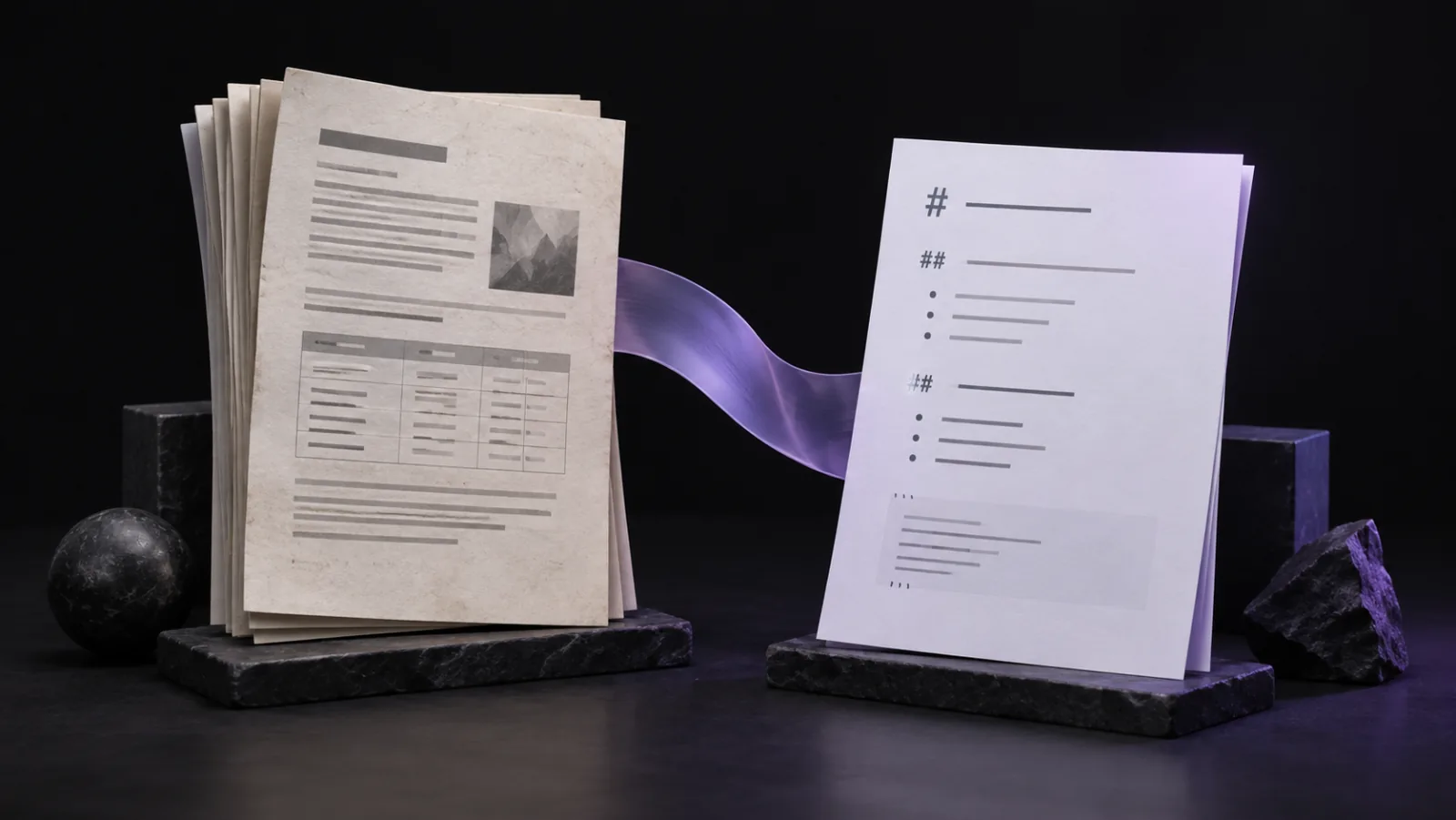
How it works
From a folder of documents to Markdown.
Three simple steps. Your original documents stay unchanged.
Add your documents.
Select files or a whole folder, including its subfolders.
Watch them convert.
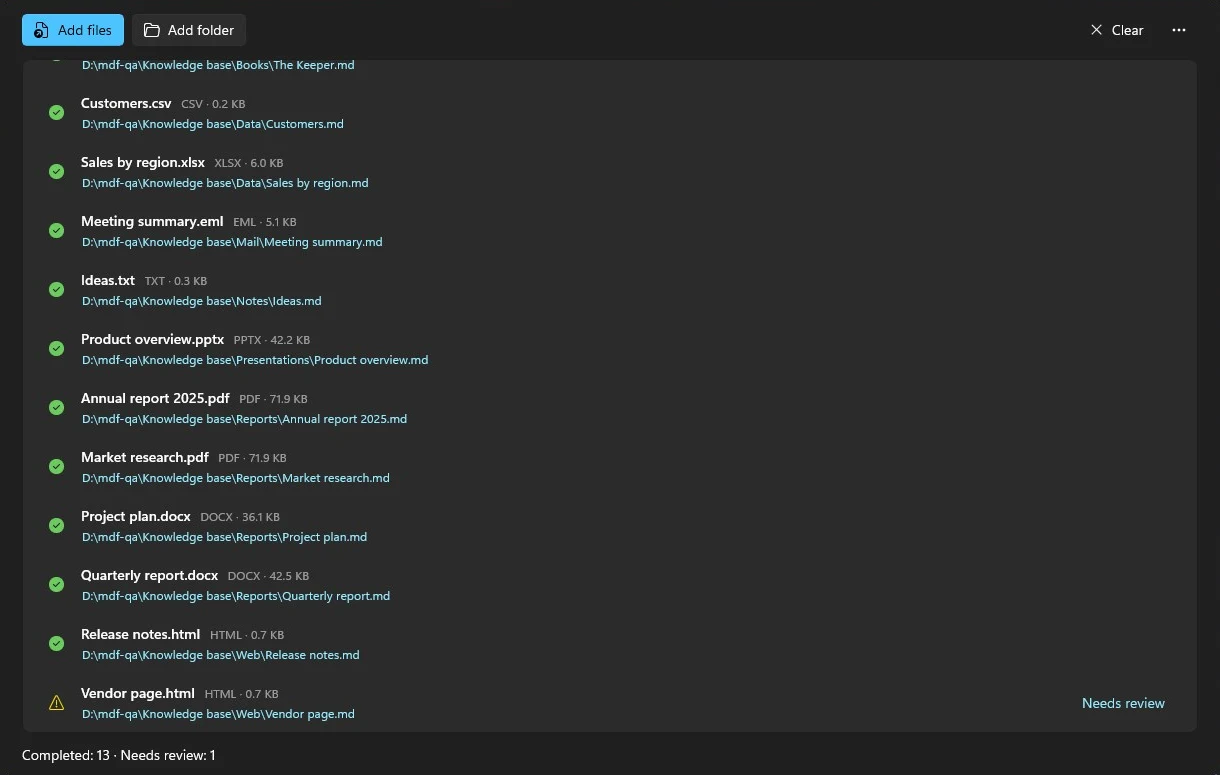
Conversion starts right away. Each Markdown file is saved next to its original.
Open your Markdown.
Use the converted files with your AI agents or Markdown tools.
Supported formats
The files you already work with.
- DOCX
- DOC
- ODT
- RTF
- PPTX
- ODP
- XLSX
- ODS
- HTML
- MHT
- TXT
- EPUB
- CSV
- EML
- MSG
- FB2
- MOBI
- PNG
- JPG
- TIFF
- WEBP
- BMP
- GIF
- ZIP
- 7Z
- RAR
PDFs, Office and OpenDocument files, ebooks, saved web pages, emails, tables, pictures, and archives.
- Ebooks
- DRM-free EPUB and MOBI, plus FB2.
- Web pages
- Add saved HTML and MHT pages. Images that are only online are not downloaded.
- Email and tables
- Convert EML and Outlook MSG messages and CSV tables. Email attachments are listed, not converted.
- Pictures
- PNG, JPG, TIFF, WebP, BMP, and GIF are read with OCR.
- Archives
- ZIP, 7Z, and RAR: each document inside gets its own Markdown file in a folder next to the archive.
OCR for scanned PDFs.
Turn scanned pages into text on your PC.
Text and images together.
Each document gets its own Markdown file. Images are saved alongside it.
Local by design
Your documents.
Your PC.
Convert documents offline, without uploading them to us or an AI service.
Everything you need is included. No extra software or API keys required.
FAQ
A few things to know.
Does MD Factory include an AI agent?
No. It creates Markdown for your AI tools. It does not summarize or rewrite your documents.
Does it work with scanned PDFs?
Yes. Scanned PDFs are processed with local OCR. Check important text, numbers, and tables against the original document.
Can I convert a whole folder?
Yes, including subfolders. Unsupported files are skipped.
Does conversion work offline?
Yes. Conversion runs on your PC. Microsoft Store may need internet access for installation and licensing.
What does it cost?
A one-time purchase of $4.99 in the US, with a seven-day trial. Your local price appears in Microsoft Store.
Which Windows PCs does it support?
Windows 10 22H2 and Windows 11 on x64 PCs.
MD Factory for Windows
A simple path to Markdown.
Convert your documents. Keep your files local.
Seven-day trial · $4.99 US, one-time purchase · Windows x64