Repair a converted PDF table by matching every value to its row label, column heading and unit in the original. A neat grid can still attach the right number to the wrong subject.
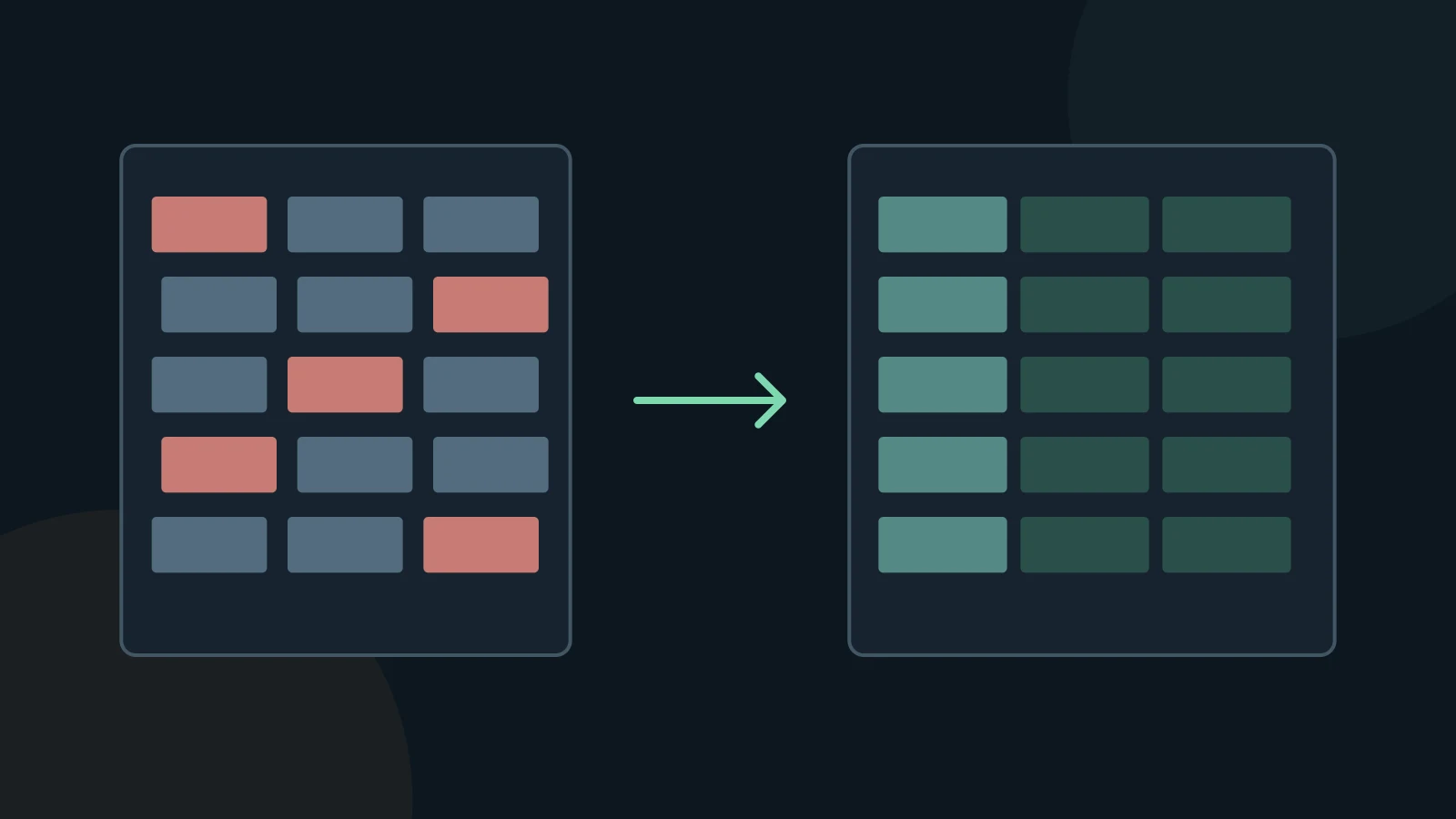
Find the kind of break before editing
PDF tables may store text by position rather than as cells. The pypdf documentation describes this extraction problem. First decide whether your export has lost the grid, shifted values, split a cell over several lines, or omitted text. Each problem calls for a different repair.
Read one complete row across the source and the export. Then read one numeric column down both versions. Check blank cells as carefully as filled ones: an empty value is not zero, and a dash is not automatically a missing value.
Rebuild a small table against the source
- Make a copy of the Markdown. Record the source page and keep the PDF open beside it.
- Write the column headings, including units and any period or currency. Give each source row one Markdown row.
- Place each value under its original heading. For a merged label, repeat the label only when the source clearly applies it to every affected row.
- Check totals, minus signs, decimal separators and footnote markers. Preview the table in the editor you will actually use.
Use a simpler representation when the grid lies
For a small example, a source row “North / 12 / pending” must remain linked to the headings “Region / Units / Status.” If the result reads “North / pending / 12,” valid Markdown syntax has not preserved the data. Fix the mapping before polishing alignment.
Nested headers, spanning cells and long notes may be clearer as one labelled record per row, or as an HTML table if your destination supports it. Keep the caption and footnotes with the data. If a value is unreadable, mark it for review rather than inferring it from a total.
Review before using the result
A conversion is a working copy. Keep the original PDF and compare the passages you will quote, calculate from, or give to an AI assistant. A successful export does not establish that the text is complete or correct.
MD Factory converts documents to Markdown on Windows. Complex PDF tables use layout heuristics; merged cells and multiline content can need manual repair. OCR accuracy depends on the source image and text. This guide does not promise automatic cleanup or a particular recognition accuracy.
Questions and answers
Will OCR rebuild the table?
OCR recognizes characters from an image. It does not by itself prove which cells those characters belong to. Check the structure separately.
Should I ask AI to fill the gaps?
Use AI to propose formatting only after you have a verified transcription. Do not accept invented values as a repair.
Sources and verification
Sources checked on November 3, 2026. The instructions below describe a manual review workflow, not additional MD Factory controls.