Convert EML emails to Markdown on Windows
Keep saved messages in your notes, with sender details, inline images, and attachment names.
Read articleConvert your documents to Markdown and put them to work with AI.
Keep saved messages in your notes, with sender details, inline images, and attachment names.
Read article
Bring ebooks into your notes, with chapters and images kept together.
Read article
Turn documents into Markdown on your PC. Keep the files in a local folder and understand what happens when you share the result.
Read article
Convert DOCX files to Markdown on Windows, keep headings and images, and check the result before adding it to your notes.
Read article
Bring your documents into one folder and give your AI agent sources it can read.
Read article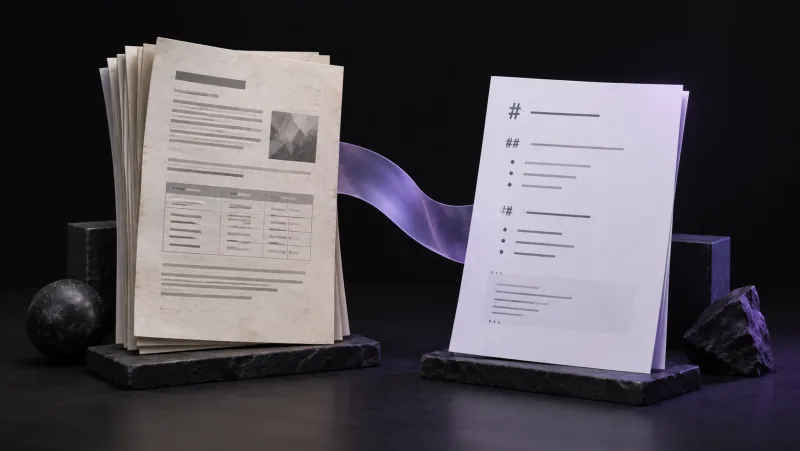
Turn PDFs and scanned pages into Markdown, then check the text, tables, and images.
Read article