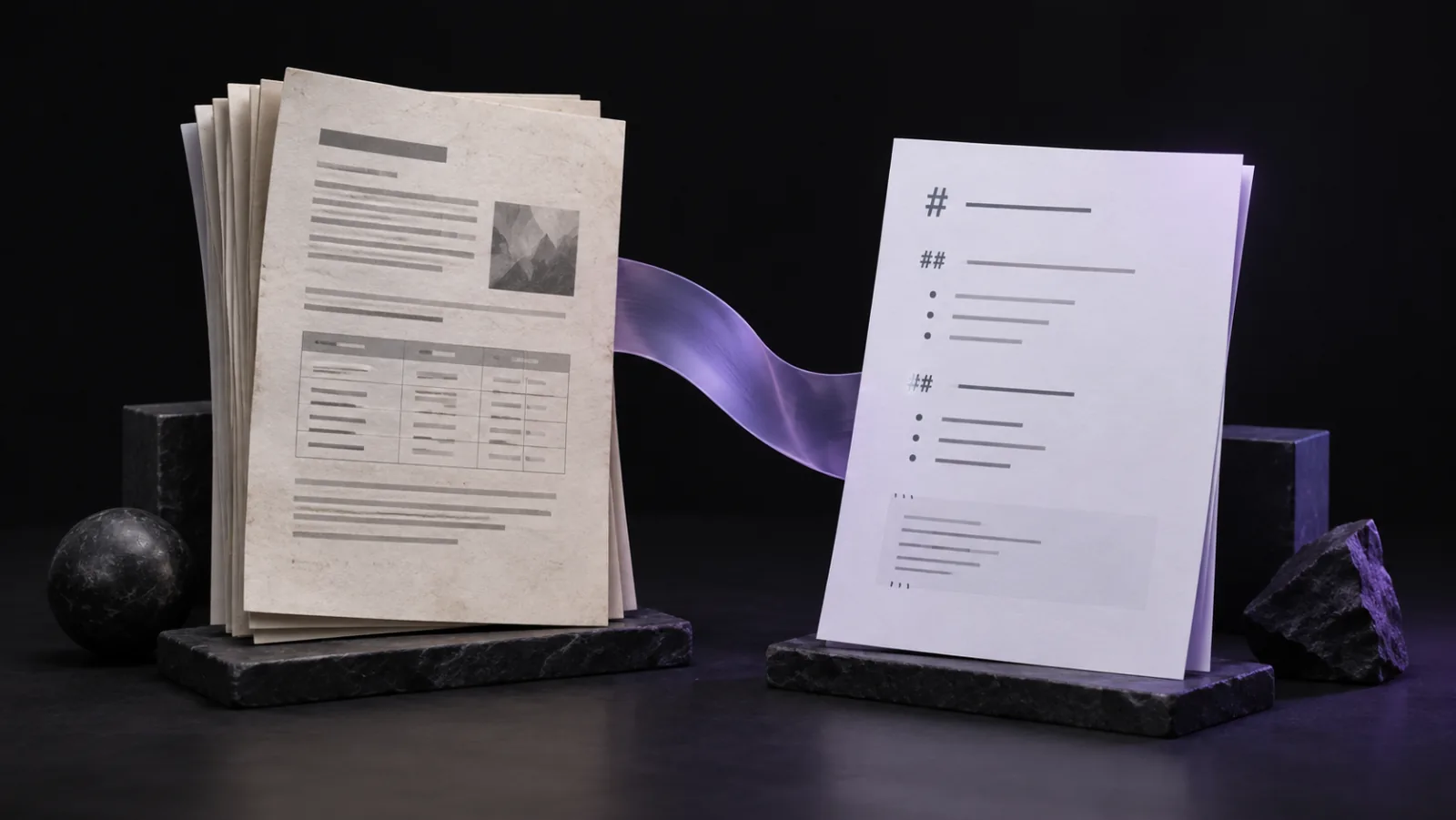
Convert your PDF to editable Markdown for notes, search, or an AI agent. If the pages are scanned, use OCR to recognize the text first.
MD Factory also converts Office documents, ebooks, saved web pages, and emails. This guide focuses on PDFs.
Does your PDF need OCR?
Try copying one sentence into a text editor. If it copies correctly, convert the PDF directly. If you get no text, use OCR. Try a few pages if the document includes scanned appendices.
Choose a conversion tool
For a PDF with selectable text, Microsoft's MarkItDown offers a command-line option. Follow its Python installation guide, create an output folder, and replace these paths with your own. Choose a new output filename:
markitdown "C:\Docs\handbook.pdf" -o "C:\Markdown\handbook.md"For a scan, run OCR to make the PDF searchable, then convert it to Markdown. OCRmyPDF provides this first step; choose the document's language when running it.
If recognition is poor, check whether the scan is clear and straight. Tesseract's OCR guidance explains how scan quality affects the result.
If you have the original Word document or Excel spreadsheet, you can also convert it directly.
Check tables and columns
Open the Markdown beside the PDF. Multi-column pages and tables can need cleanup after conversion. Start with the parts you need:
- Read across a column or page break to check sentence order.
- Check that table values stay with the right rows and labels.
- Compare important names, dates, numbers, and units with the PDF.
- Remove repeated page headers that interrupt paragraphs.
The PDF extraction guide covers common layout problems. Leave a note beside unreadable values rather than guessing them.
Fix a table that lost its rows
For example, a table lists 2 notebooks at 4.50 each and 1 folder at 3.00. Extraction might keep the values but lose their rows:
Item Quantity Unit price
Notebook Folder
2 1
4.50 3.00
Check the source, then restore the rows:
| Item | Quantity | Unit price |
| --- | --- | --- |
| Notebook | 2 | 4.50 |
| Folder | 1 | 3.00 |
Save your files
Keep the Markdown in a separate output folder and leave the original PDF available for reference. If the converter exports images, move their folder with the Markdown so the links continue to work.
Use descriptive filenames, such as handbook.md, so you can match each output to its source. Check that every file you converted has an output.
To use the result with an AI agent, follow our guide to organizing a document folder.