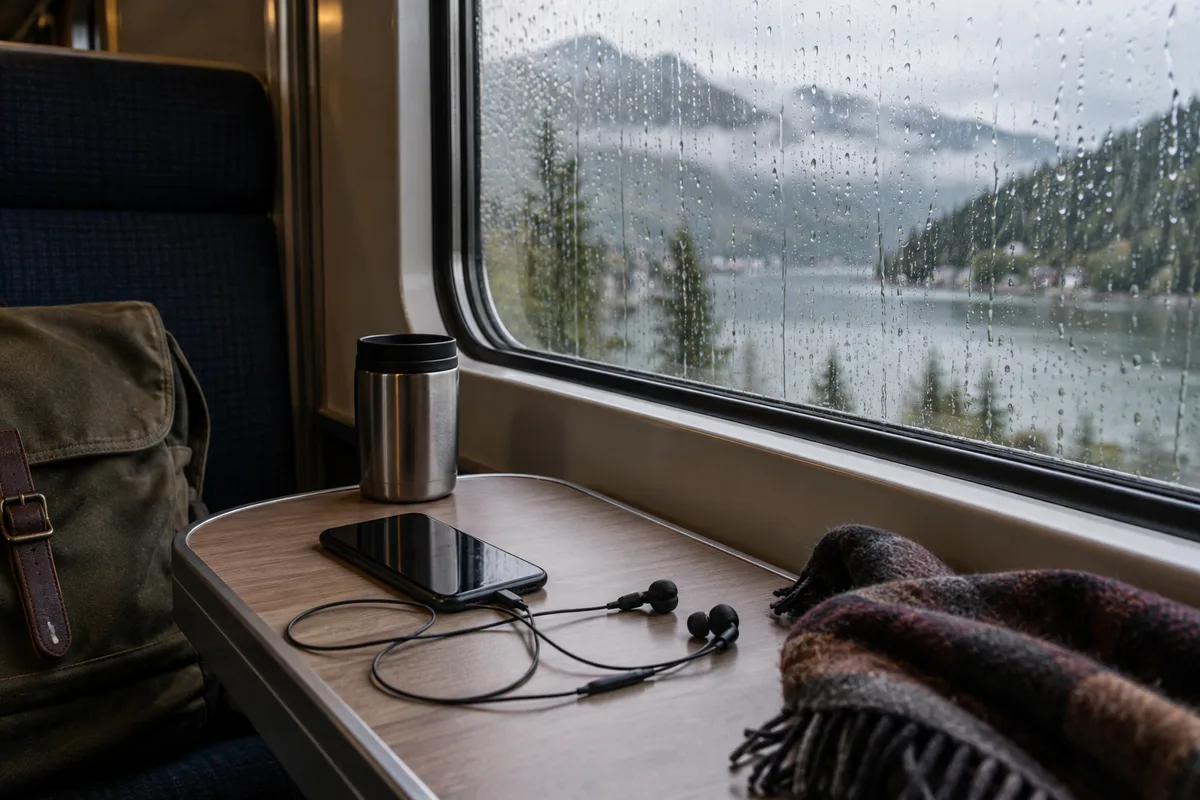
For rain sounds that work without internet, choose a built-in sound or download the track before travelling. Then turn off the connection and test playback with the screen locked. A favourite or a recently played track is not proof that its audio is stored on the phone.
Do the test at home, where a missing download is easy to fix. At the hotel, on a train or after boarding, you want a sound that starts without another sign-in or loading screen.
Prepare the actual track, not just the app
The Relaaax product page describes offline playback for built-in sounds and downloaded tracks. Pick the rain sound you want and confirm it is available locally. If your preferred track needs a download, finish that while you have a suitable connection.
Keep one built-in alternative ready. It gives you a fallback if a chosen download is incomplete or a track becomes unavailable. Choose based on what you like hearing; this guide makes no claim that one sound treats a sleep problem.
Test the same setup you will carry
- Start the chosen track and check the volume.
- Turn off Wi-Fi and mobile data, or enable airplane mode.
- Restart that track while still offline.
- Lock the screen and confirm that sound continues.
- Try the headphones or speaker you plan to pack.
- Check that the timer ends playback as expected.
If you use Bluetooth, confirm its state after enabling airplane mode; phone behaviour varies. Wired headphones or the phone speaker can provide a simpler offline test. Follow the transport operator's device rules when travelling.
Choose a stopping point before putting the phone down
Relaaax offers timer presets and No limit, with a fade-out option. Choose a duration that fits how you want to listen rather than letting an unfamiliar track run all night by default. Check the setting after changing sounds.
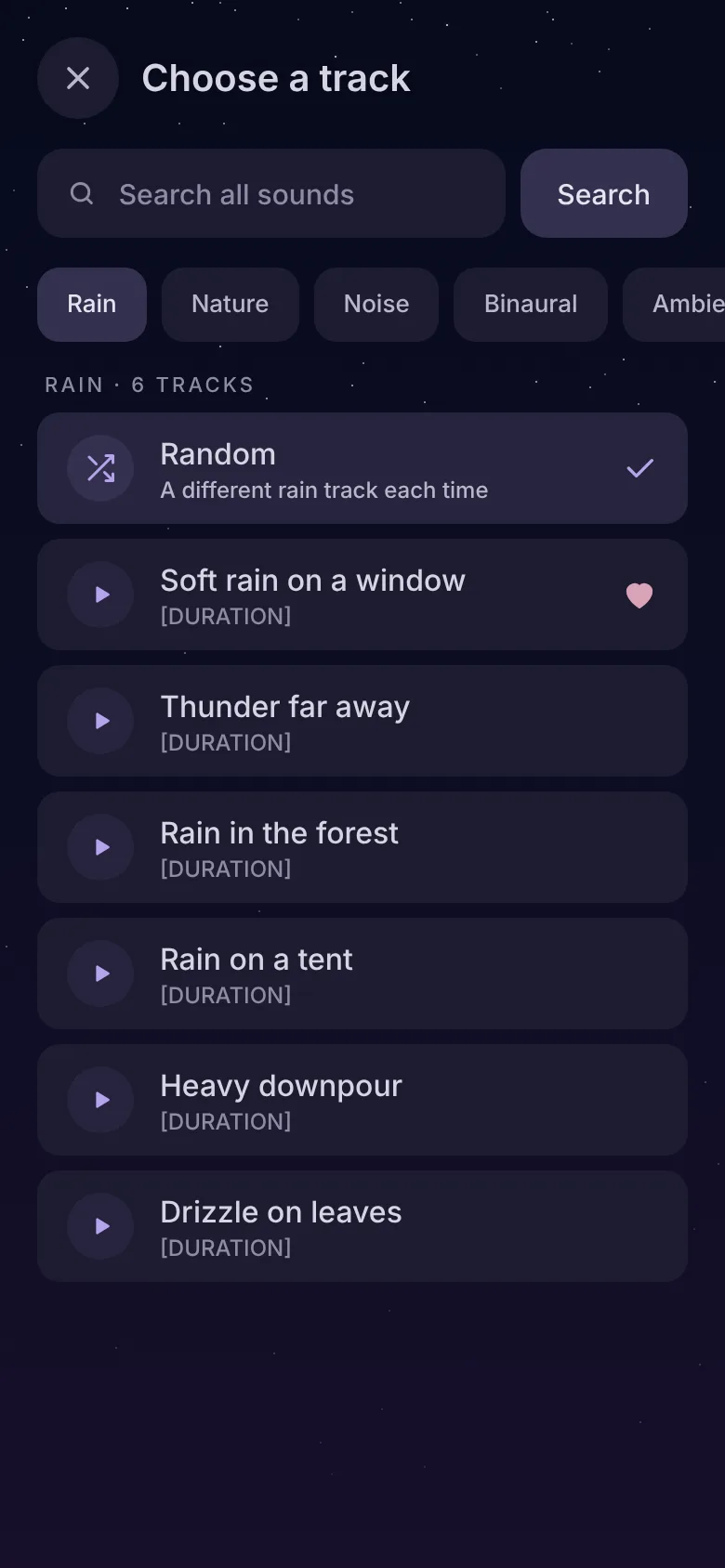
A timer is a playback preference, not a clinical recommendation. Use a comfortable volume, keep nearby alarms audible, and make sure headphones do not prevent you from hearing instructions you need to follow.
Check power without compromising the rest of the phone
Charge the phone enough for your trip and check how your usual setup behaves before relying on it overnight. If Android stops the sound after locking, use the screen-off troubleshooting guide to inspect the affected app's background settings. Do not change every app's battery policy just to prepare one audio track.
Google's Pixel battery guidance recommends keeping optimisation generally and lets you review background use per app. Menu names on other phones differ.
In a shared room, check what others can hear
Try your chosen volume from outside your immediate listening position. A phone speaker that sounds quiet beside you may be audible across a room. Use an agreed setup in a shared sleeping space and keep device cables out of walkways.
Offline playback avoids depending on a network for the audio you prepared. It does not prevent calls, alerts or other apps from interrupting when connections are enabled. Set your normal notification preferences while preserving any contacts or alarms you need.
Keep the departure checklist short
- The intended track restarts while offline.
- Sound continues after the screen locks.
- The output device is connected and packed.
- The timer and volume are set.
- You have enough power and a locally available fallback.
Once these checks pass, you can put the phone away and listen. If something changes after a phone or app update, repeat the test before the next journey.
Frequently asked questions
Does favouriting a track make it available offline?
Do I need internet every time I play a downloaded sound?
See the player, offline options and timer controls.
Explore Relaaax