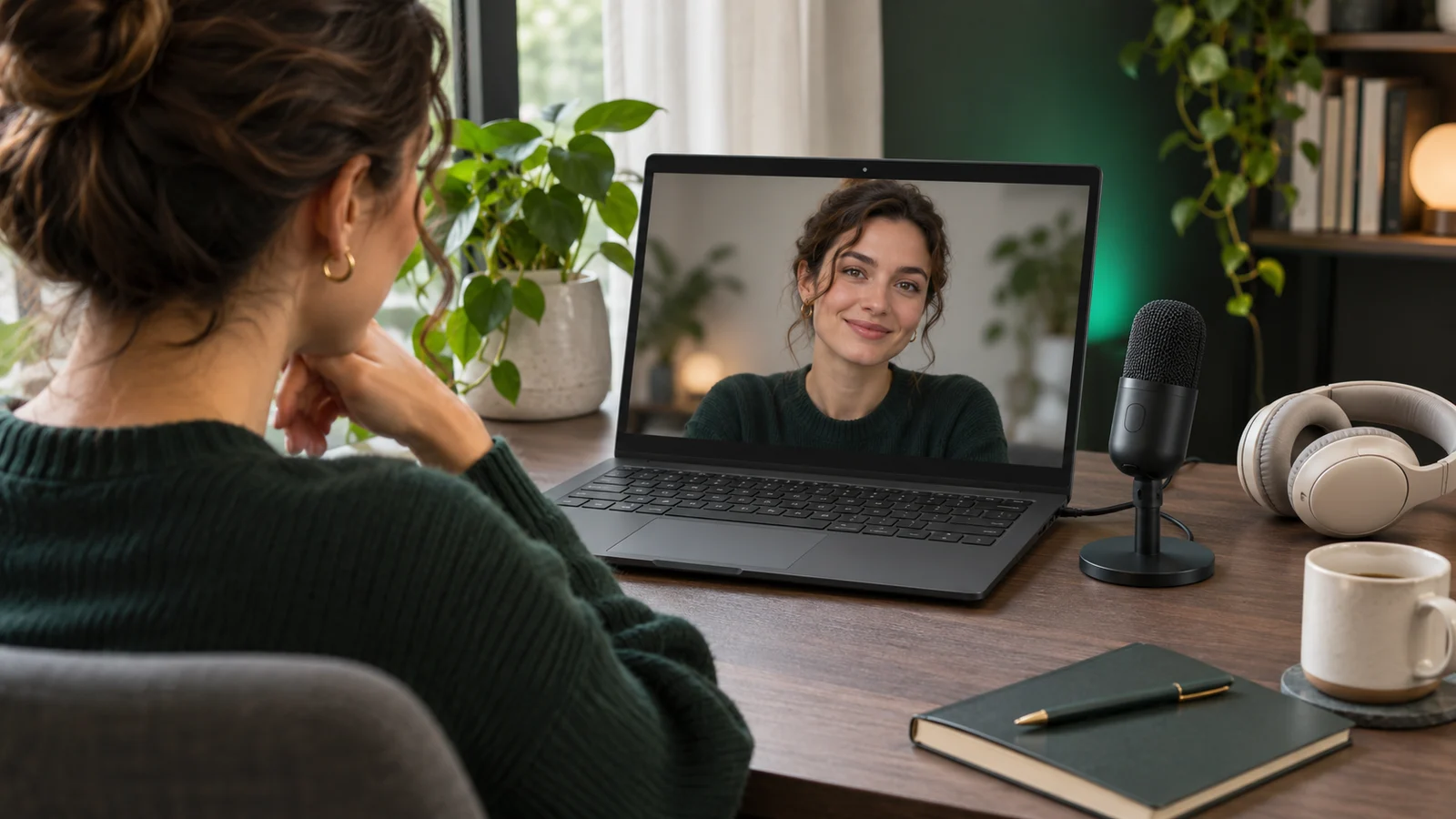
SEE AND HEAR YOURSELF BEFORE THE CALL
- Record a local test video with microphone audio for up to 30 seconds to check how you look and sound before joining.
- Review your recording with Play/Pause, seeking and volume controls below the video.
- Save your test video as MP4, record another take or delete it.
Open Windows camera, microphone, sound, network settings and Device Manager directly from the check results, even when checks pass.
Camera, microphone, face-presence and lighting analysis stays on your PC. Video and microphone audio are recorded only when you choose to record a test. Temporary recordings are cleaned up after review; keeping an MP4 requires an explicit save. PNG/JPEG snapshots are also saved only on request. No camera or audio data is uploaded. CallReady has no account, cloud backend, advertising or analytics SDK. The connection test uses Cloudflare's public speed-test service.
CallReady · Windows 10 / Windows 11