Why You Shouldn't Pay $5/Month for TextExpander: Best Offline Windows Alternatives
Compare cloud text expanders, AutoHotkey, and local Windows alternatives for privacy, speed, multilingual shortcuts, and offline use.
Articles & guides
Practical guides, tips and answers to common questions. Explore 46 articles. Page 3 of 4.
Compare cloud text expanders, AutoHotkey, and local Windows alternatives for privacy, speed, multilingual shortcuts, and offline use.
Create Windows 11 shortcuts for recurring accented letters, currency signs, punctuation, and symbols without memorizing Alt codes.
Set up macOS-style text expansion on Windows 11 with short triggers, local storage, and no YAML, cloud subscription, or copy-paste workflow.
Compare AutoHotkey hotstrings with a dedicated Windows text replacement tool that needs no scripts or ongoing code maintenance.
Compare Windows 11 clipboard history with a text expander and learn when to retrieve copied text or expand a memorized shortcut.
Move useful text replacements from Mac to Windows and keep signatures, addresses, links, and common replies available across applications.
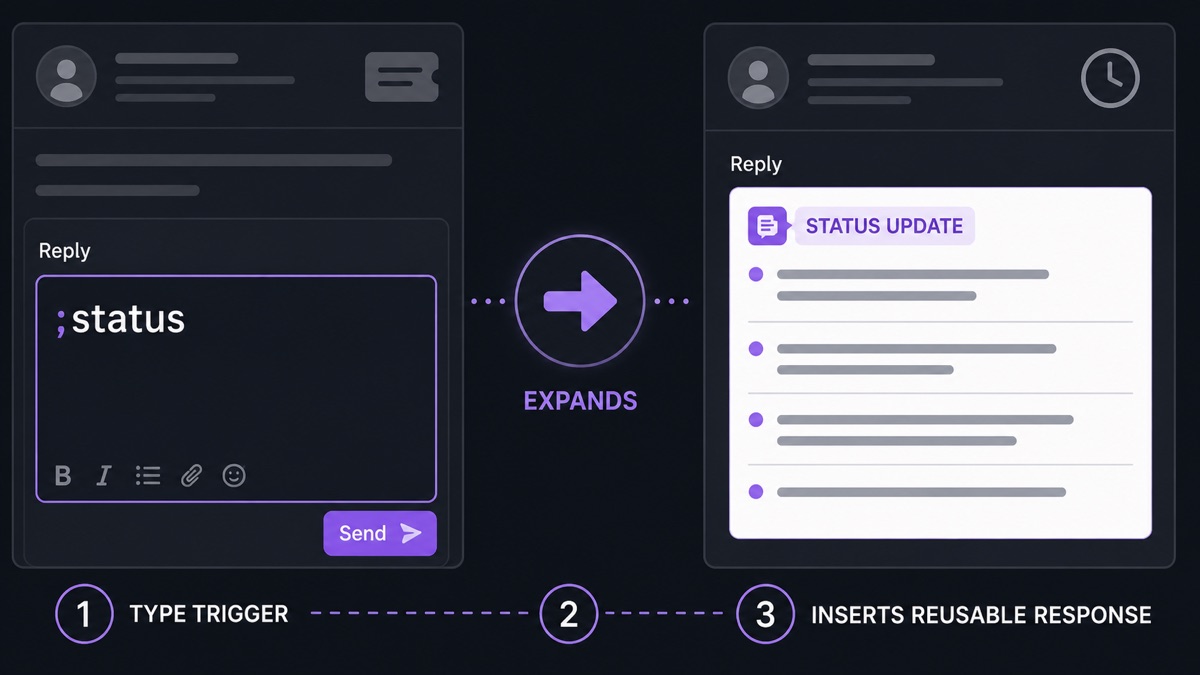
Practical customer support text expander snippets for greetings, screenshots, troubleshooting, refunds, and escalation notes.
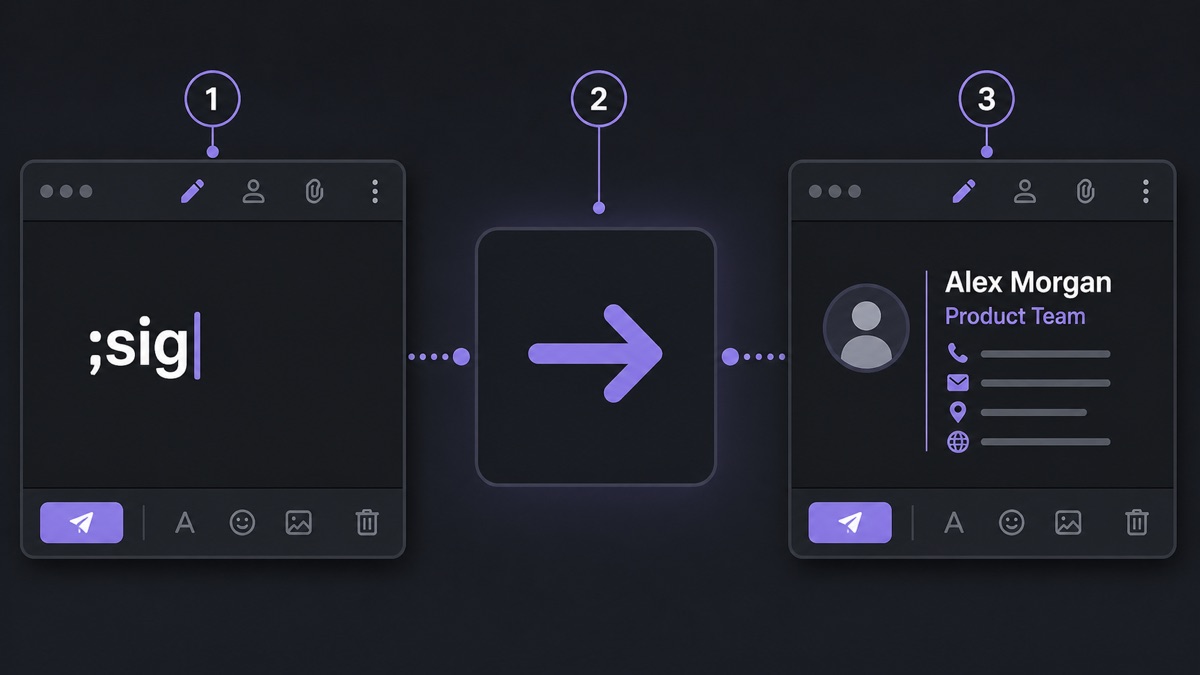
Use ;sig as an email signature shortcut in Windows 11 with Text Replacements. Works in mail, forms, support tools, and notes.
macOS has system text replacements. Windows 11 users can get the same writing habit with Text Replacements.
A practical story about using ;sig in Text Replacements to stop copying email signatures, addresses, and repeated replies on Windows 11.
Set up text replacement on Windows 11 with short triggers for signatures, addresses, links, replies, and repeated text.
Windows has text suggestions and Office AutoCorrect, but no system-wide text replacement. Here is what to use today.