A good support snippet removes fixed parts: greeting, screenshot request, troubleshooting steps, refund link, escalation note. It should not replace judgment.
Leave one blank line for the specific issue. That one line is often what keeps a reply from sounding like a canned answer.
The goal is not to make agents sound identical. The goal is to stop asking people to retype the same scaffolding while the queue is full.
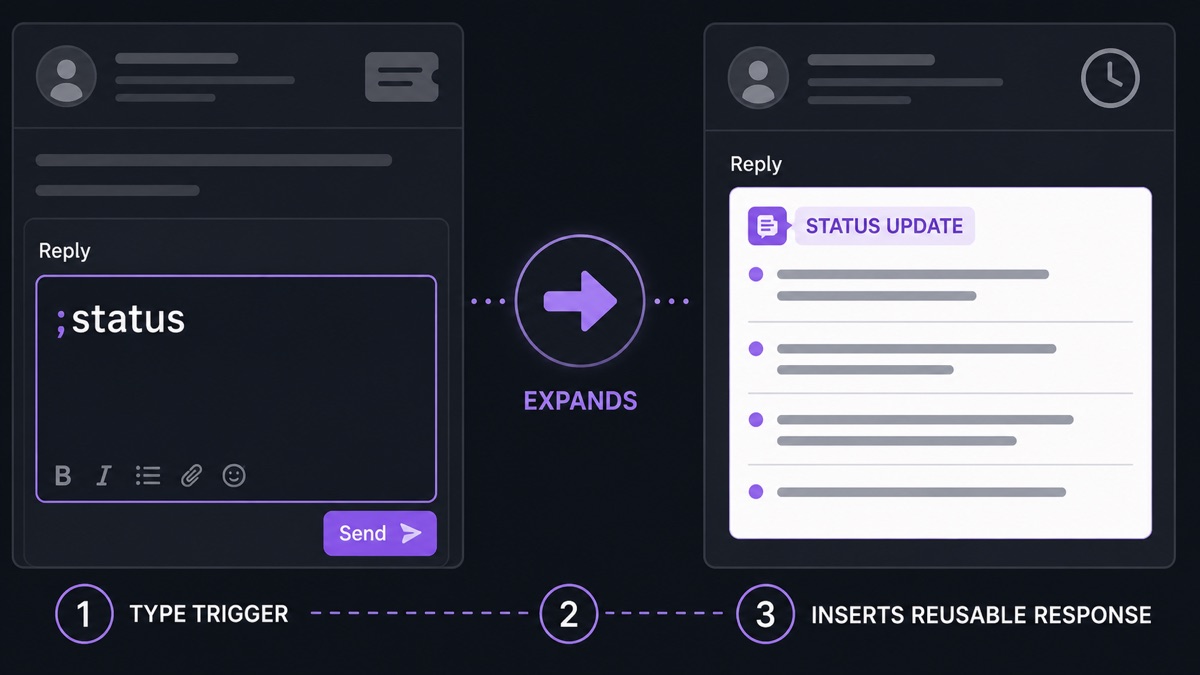
Five snippets worth adding
;hellofor a short greeting.;screenfor a screenshot request.;stepsfor numbered troubleshooting.;refundfor the policy link and plain summary.;escfor escalation notes with what was already tried.
Write snippets for the worst hour of the day
Support teams do not send templates when everything is calm. They send them when twenty tickets are waiting. Write snippets in the tone you want during that hour: clear, short, and specific.
Avoid soft filler. Avoid promises that depend on another team. Avoid phrases that make the customer feel processed. A good snippet gives the agent a strong start and still leaves room for the actual answer.
Use placeholders carefully
Placeholders are useful only when they force attention. A line like [write what you checked] is better than a paragraph that can be sent untouched. The best support snippets slow the agent down exactly where judgment is needed.
For escalations, include the facts the next person needs: account ID, environment, steps tried, observed result, expected result, and files attached. That saves more time than a polite opening line.
Review them monthly
Support text ages quickly. Product names change, buttons move, policies get rewritten, links break. A ten-minute pass through your top snippets prevents quiet mistakes.
Archive unused shortcuts. A smaller list is faster to trust when the queue is full.