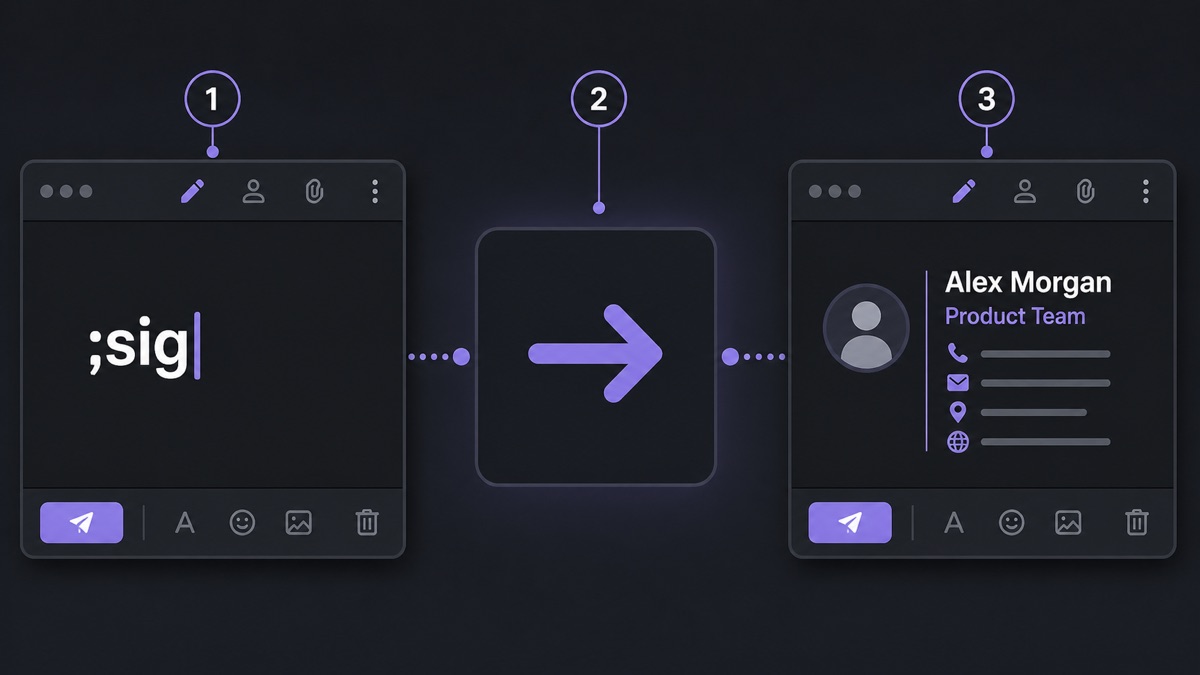
I started with one trigger: ;sig. It expands into my full email signature. No saved draft, no old email, no note file, no copy-paste cleanup.
The old routine looked harmless. Open the note, select the signature, copy it, paste it, fix the empty line, return to the message. Ten seconds is not much. Ten seconds repeated all day becomes a nervous little tax on every reply.
The funny part is that I did not feel busy while doing it. The work was too small to complain about. It lived between real tasks: answering a client, sending an invoice, filling a vendor form, confirming a meeting. That is where repeated typing hides. It does not look like a problem until you count it.
The first shortcut was not clever
;sig won because it was obvious. I needed my signature in Outlook, in a browser-based CRM, in support replies, and sometimes in a document comment. Mail-app signatures helped only inside one app. Copying from a note worked everywhere, but it forced me to leave the place where I was writing.
Text Replacements removed the trip. I typed ;sig, pressed Space, and the full block appeared wherever the cursor was. The app did not use the clipboard, so I did not lose whatever I had copied before. That mattered more than I expected.
Why the semicolon matters
The semicolon keeps the shortcut out of normal writing. sig can appear inside a word or a file name. ;sig looks like a command, and my fingers learned it before lunch.
The same rule gave me ;addr for a billing address, ;cal for a scheduling link, and ;thanks for a short closing line. None of them are pretty. They are reliable, which is better.
What I added after ;sig
The next useful snippet was not a paragraph. It was my address. I had typed it into store forms, contracts, courier labels, and tax documents for years. One small trigger removed the careful line-by-line checking.
Then came the snippets that were easy to get wrong: product names, long URLs, payment details, a standard meeting follow-up. I did not add clever macros. I added plain text that I already trusted.
;sigfor the full signature.;addrfor the billing address.;calfor the booking link.;ibanfor bank details I do not want to mistype.;followfor a short meeting follow-up with one sentence left blank.
The rule that kept the list clean
I add a snippet after the third repeat. Once can be noise. Twice can be a coincidence. Three times means the text has become a chore.
This rule also keeps the list from turning into a museum. Text replacement stops helping when you need to search your own shortcuts. A small list of trusted triggers beats a huge list of ideas you never use.
The real gain is attention
The saved time is nice. The better gain is not switching context. I stay in the reply, the form, the ticket, or the note. The repeated block appears, and my attention stays on the sentence that actually needs thought.
After a month, ;sig stopped feeling like a feature. It felt like spelling my own name. Good text replacement should reach that point: quiet, boring, and missed immediately when it is gone.