Mail clients can insert signatures. Work does not stay inside one mail client. The same block may be needed in a web form, support console, proposal, calendar note, or chat.
A Windows shortcut like ;sig makes the signature portable. Type the trigger, let it expand, and keep writing.
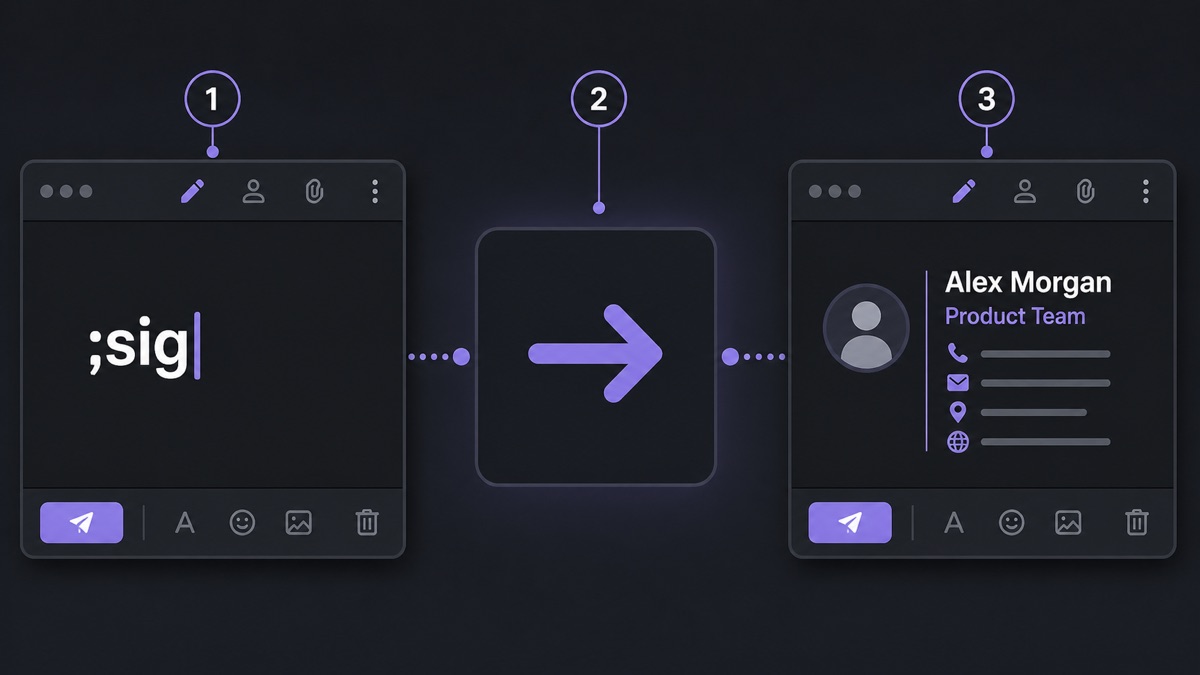
Why ;sig is the right shape
It is short, memorable, and unlikely to appear by accident. That last part matters. A shortcut that fires once in the wrong place stops feeling helpful.
If you use several signatures, keep the family readable: ;sig for default, ;sigs for support, ;sigp for personal, ;sigl for legal.
What belongs in the signature
- Name and role.
- Company or project.
- Website or booking link.
- Phone only if calls are welcome.
- A short disclaimer only if required.
What does not belong there
Most signatures are too long. They include slogans, banners, repeated legal text, and every possible contact channel. In a long support thread, that becomes noise.
Keep stable contact details in the snippet. Put the useful message above it. If a disclaimer is mandatory, keep it short and do not make every reply look like a footer with a sentence attached.
Where ;sig saves more than email
The same shortcut helps in proposal comments, helpdesk notes, web forms, vendor portals, and calendar descriptions. That is the advantage over a mail-app signature: the text follows the cursor, not the application.
Shorter signatures win in long threads. The shortcut exists to remove repeated typing, not to attach a billboard to every reply.