Coming to Microsoft Store
Paperkiss
Sign PDFs and prepare reusable signatures and stamps from photos. Work locally on your Windows PC.
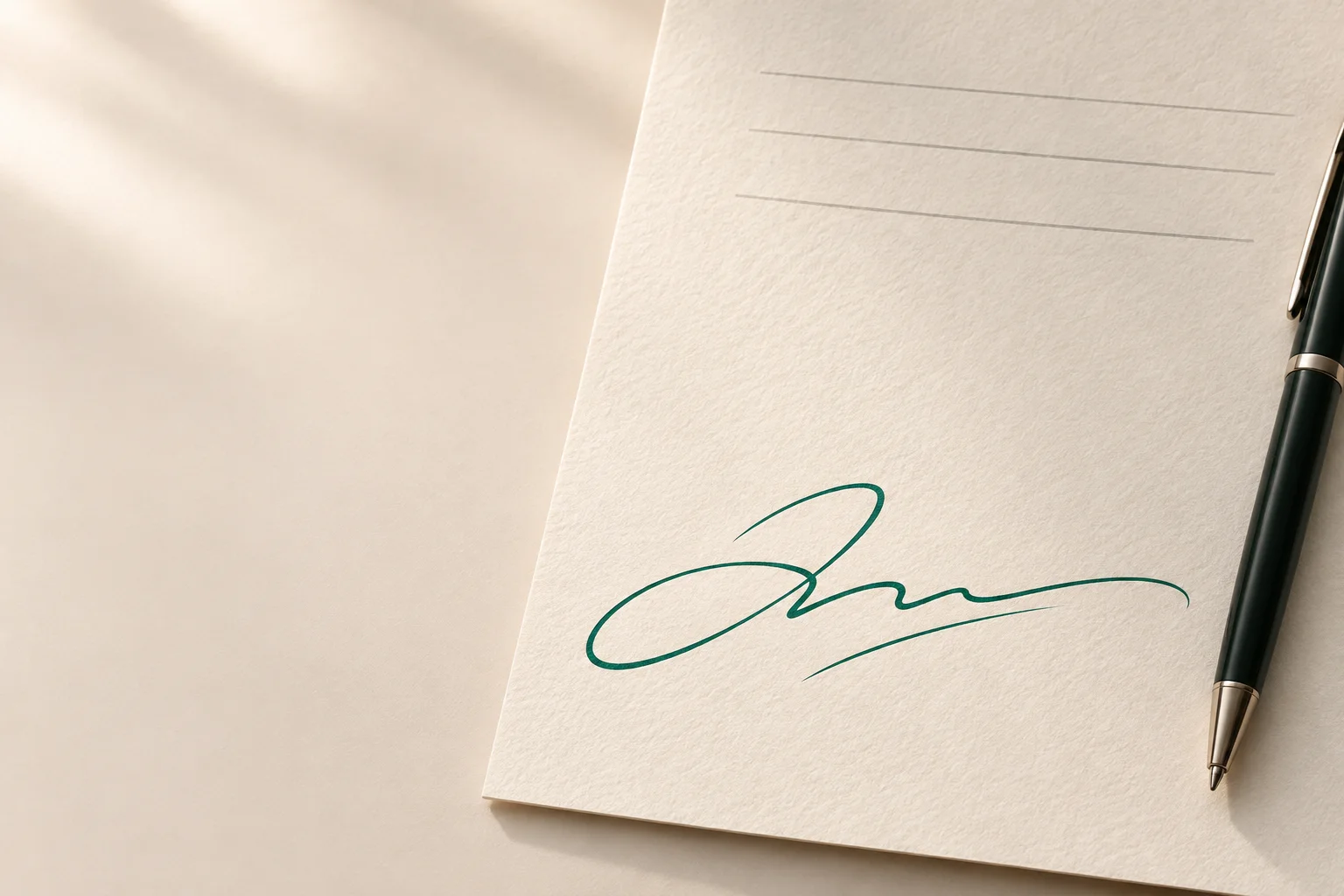
See how it works
From photo to finished document.
Sign a PDF without printing, scanning or uploading it. Paperkiss brings document signing and photo preparation into one Windows app.
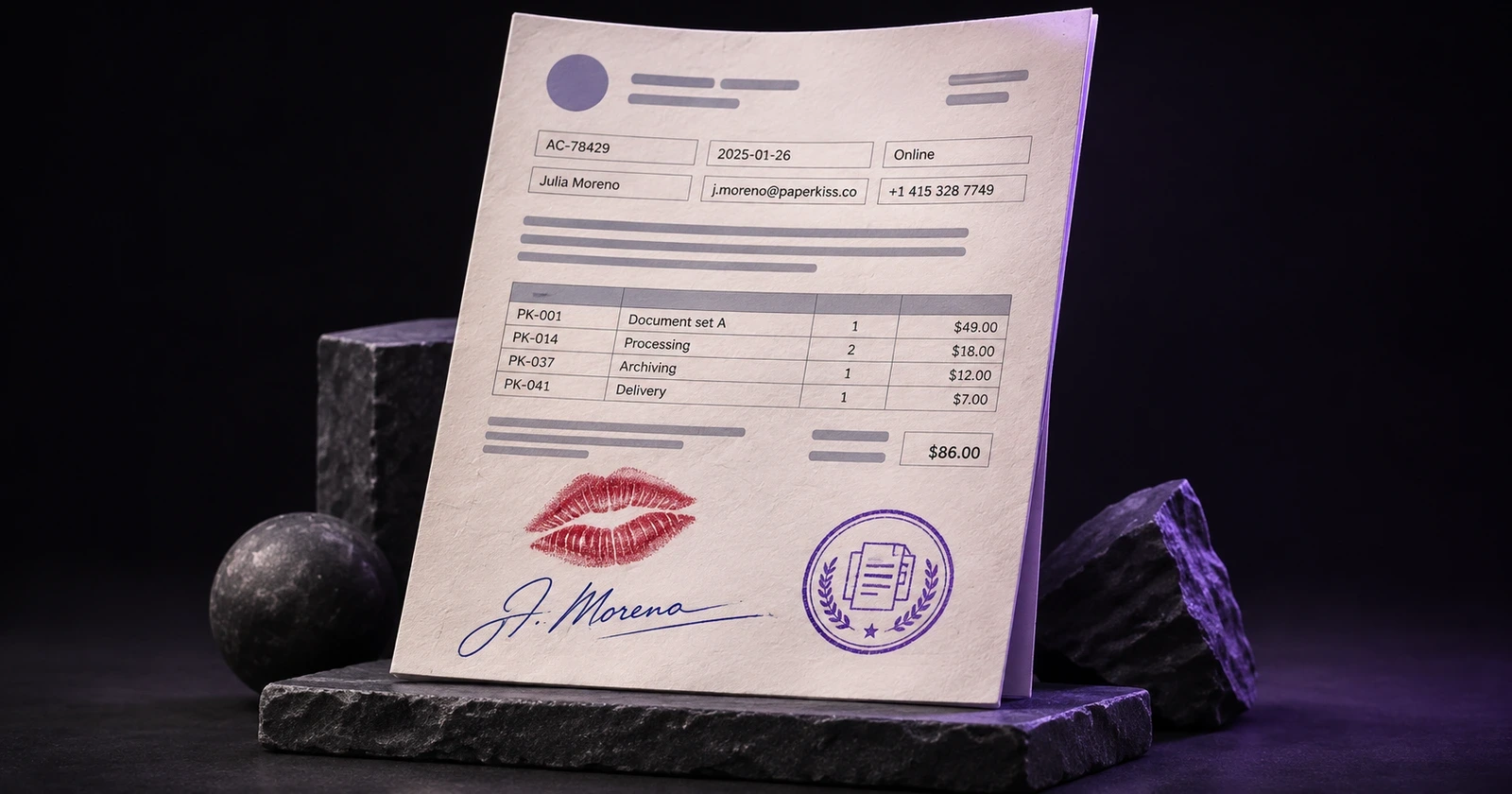
Prepare your signature or stamp.
Turn a photograph of your signature or stamp into a reusable image. Remove the paper background, correct perspective, adjust contrast and change the ink colour while preserving the original marks. Refine the result with erase and restore brushes, then save it to your local library.
Put it on the page.
Add a drawn, typed or imported signature, text, a date, a check mark or a stamp. Move, resize and rotate each element, change opacity, and repeat it on selected pages.
Keep it ready for next time.
Save signatures, initials and stamps in organization sets, mark favorites and create separate color variants. Transfer your library with a password-protected backup and review duplicates before importing.
Tools for the finishing touches.
- Sign PDF, JPG, PNG and WebP documents
- Prepare signatures and stamps from photographs
- Remove backgrounds and adjust ink colour
- Keep reusable elements in a local library
- Add text, dates, check marks and stamps
- Export selected pages with resolution and quality controls
- Transparent PNG and lossless WebP output
- Local processing without a Paperkiss account
Four formats. One workflow.
- JPG
- PNG
- WebP
Open and export PDF, JPG, PNG and WebP. PDF output keeps existing searchable text. Export selected PDF pages as separate images with your chosen resolution. Use transparent PNG or lossless WebP for signatures and stamps; choose a background for JPG.
Your files stay on your PC.
Your documents and photos are processed on your PC. No Paperkiss account or cloud upload is required. One-time purchase, no subscription.
Visual signatures, clearly explained.
Paperkiss adds visual signatures. It does not provide certificate-based digital signing or identity verification.
Before you start.
Can I continue editing later?
Save a local draft when you want to return to a document. It includes a copy of your original document and the elements you placed on it. Later changes to that saved draft autosave.
What is included in a library backup?
Reusable signatures, initials and stamps. Saved drafts and their documents are separate and are not included. Backups have their own password, which cannot be reset.
Will signing change my original file?
Export creates a separate PDF or image copy. Paperkiss protects the source path from being used as an export destination. An exported file is separate from an editable draft.
Paperkiss for Windows
Coming to Microsoft Store
Planned US price: $4.99 once. Your local price will appear in Microsoft Store at launch.