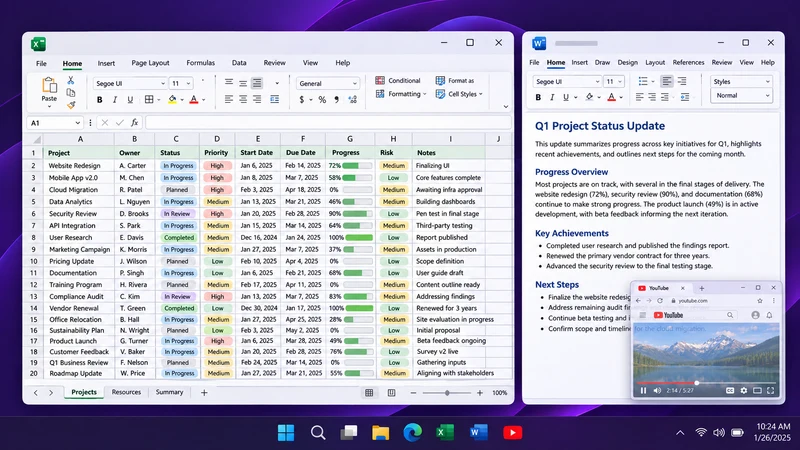
Watch YouTube in a transparent always-on-top window
Keep a YouTube video above your work with Pin Windows. Use a separate browser window, adjust opacity and keep playback controls within reach.
Articles & guides
Practical guides, tips and answers to common questions. Explore 10 articles.
Keep a YouTube video above your work with Pin Windows. Use a separate browser window, adjust opacity and keep playback controls within reach.
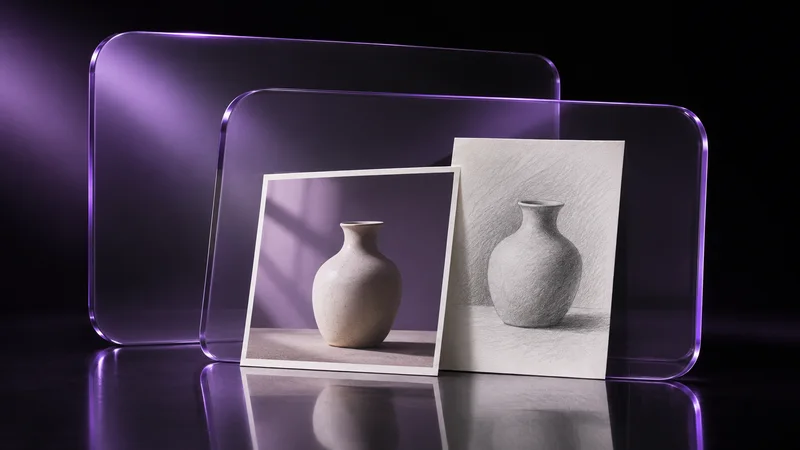
Keep a reference image visible over Photoshop, Krita or Blender, choose between an app workspace and a pinned viewer, and avoid covering your tools.
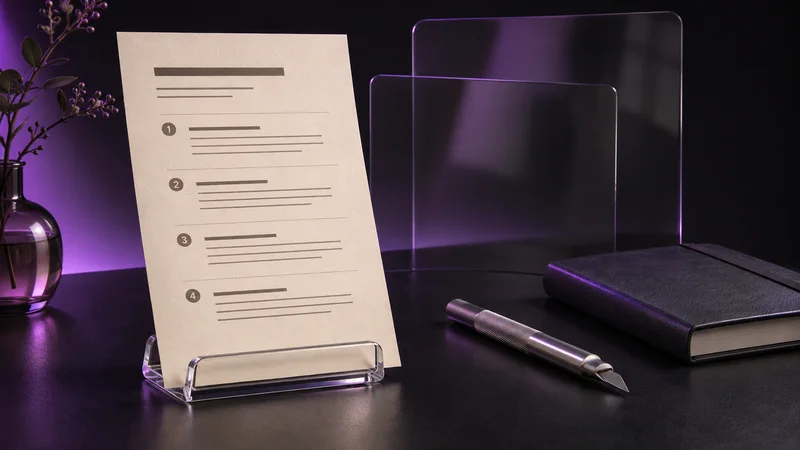
Read a PDF manual while following its steps in another app: separate the viewer window, pin it, choose a readable layout and keep page controls available.
Looking for always on top in Excel? Usually you want to freeze rows or columns. If you mean the window itself, here is how to pin it.
A pinned window drops behind others? Check topmost conflicts, admin apps, Game Mode, excluded apps, shortcut clashes and full-screen apps.
Win+Ctrl+T in PowerToys, your own shortcut with AutoHotkey, why Ctrl+Alt shortcuts can clash with typing, and what to do when a shortcut fails.
Windows has no built-in switch for this. Four ways to keep a window on top: the app's own option, PowerToys, Pin Windows and an AutoHotkey script.
Calculator has a Keep on top button, Task Manager has an Always on top setting, Notepad does not. How to use them and what to do for the rest.
Make a window see-through and let clicks pass through it. How it works in Windows, how to do it with Pin Windows, and where it does not work.
Three different things share the word transparency: the Windows effect in Settings, Windows Terminal opacity, and a see-through window of any app.