How to Free Up Disk Space in Windows 10/11: Ultimate Cleanup Guide
Learn effective methods to free up disk space in Windows 10 and 11. Discover built-in tools and advanced techniques to clean your PC and improve performance.
Articles & guides
Practical guides, tips and answers to common questions. Explore 61 articles. Page 5 of 6.
Learn effective methods to free up disk space in Windows 10 and 11. Discover built-in tools and advanced techniques to clean your PC and improve performance.
Learn how to optimize Windows startup programs in Windows 10 and 11. Our step-by-step guide helps improve boot times and system performance.
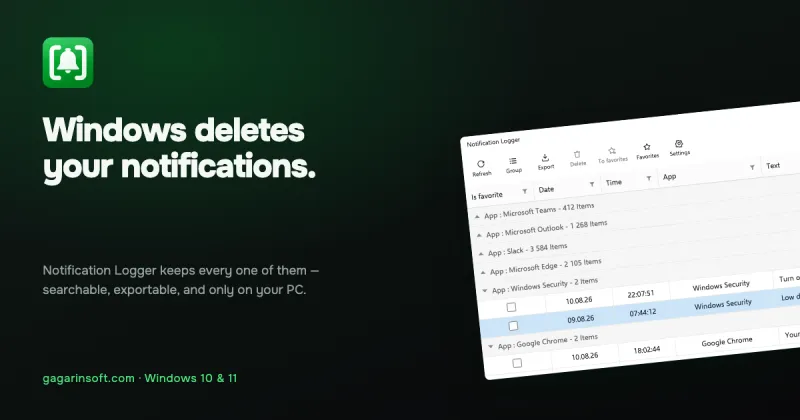
Learn how to recover old notifications in Windows 10 and 11. Discover why Windows notifications disappear and how to save and access your past notifications.
Learn how notification history works in Windows 10 and 11, where alerts are stored, what disappears, and how to keep a permanent record.
Manage Windows notifications, reduce distractions, and improve focus with per-app controls, Do Not Disturb, and a searchable notification history.
Learn how to view notification history in Windows 10 and Windows 11, and discover Notification Logger - the app that saves your notifications.
What the Windows notification access permission actually grants, what it cannot reach, and six questions worth asking before you turn it on.
Deleting a message changes the chat, not the notification Windows was already handed. What survives, for how long, and in which apps.
Outlook has two different ways of reminding you and only one of them leaves a trace. Which you have, why it stayed silent, and how to tell afterwards.
Windows 11 silences notifications and never says what it silenced. Where they go, why the list is shorter than you expect, and how to catch up.
Teams draws its own banners instead of using Windows, so they never reach the notification centre and no history tool can record them — including ours.
Your banners stopped showing message text. Check the two preview settings first, then whether the sender marked the message private.