Blacking out names looks safe, and for a document going to a court or another party it is the right tool. For a document you want an AI to read, it is the wrong one. This explains why, with an example, and where each method belongs.
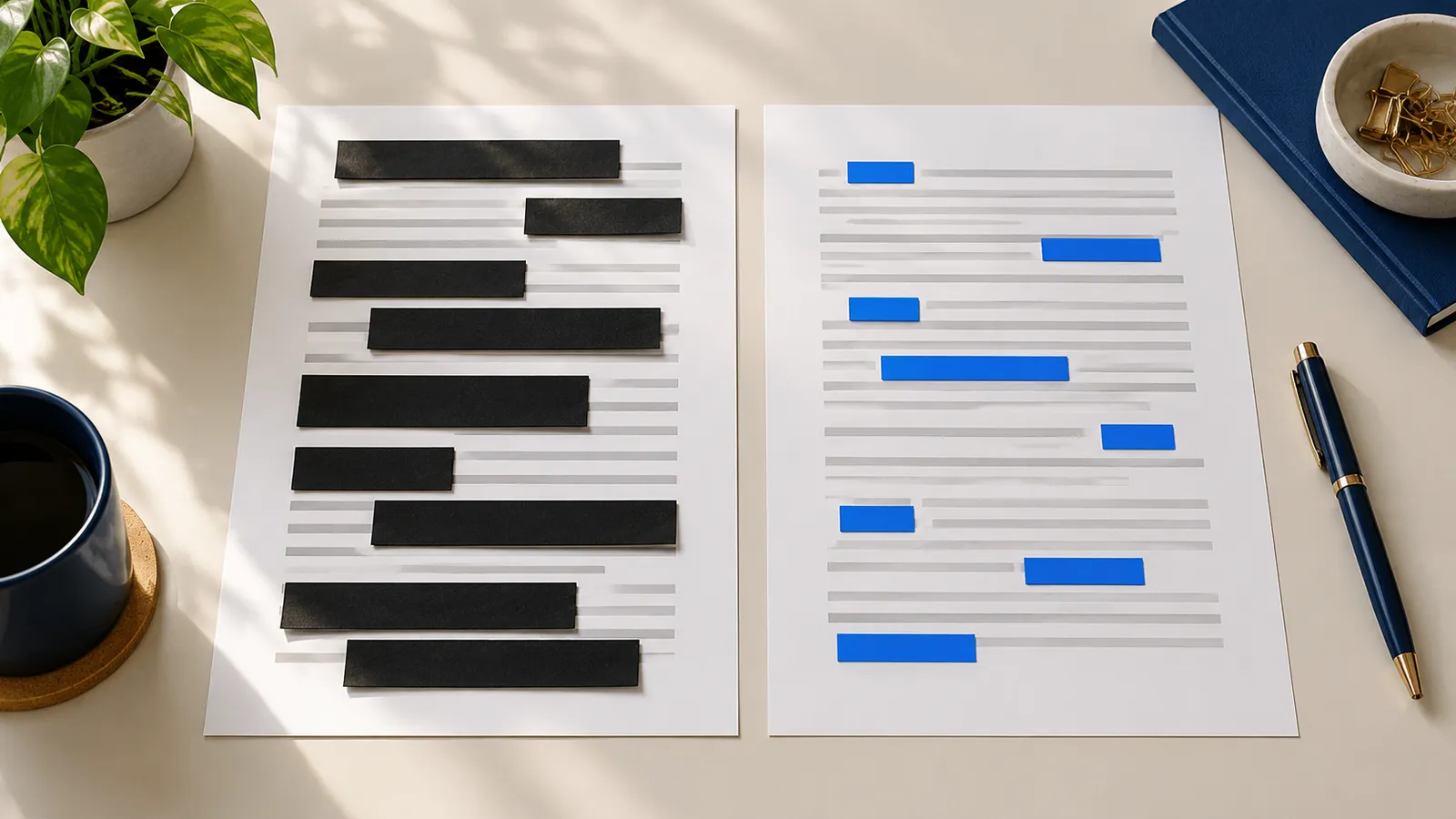
The same paragraph, three ways
Original:
Maria Lopez signed a lease with Northwind Ltd on 3 March. Ms. Lopez agreed to pay
          1,850 a month. Northwind may end the lease if Maria misses two payments.
With black bars:
[REDACTED] signed a lease with [REDACTED] on [REDACTED]. [REDACTED] agreed to pay
          1,850 a month. [REDACTED] may end the lease if [REDACTED] misses two payments.
With consistent placeholders:
Person_1 signed a lease with Company_1 on Date_1. Person_1 agreed to pay
          1,850 a month. Company_1 may end the lease if Person_1 misses two payments.
Ask the AI "who can end the lease, and when?" The black-bar version cannot be answered with confidence. The placeholder version can: Company_1, if Person_1 misses two payments. The identity is gone in both. Only one still carries the structure.
What black bars lose
- Who is who. Every bar looks the same, so the AI cannot tell the tenant from the landlord, or one witness from another.
- The link between mentions. "Maria", "Ms. Lopez" and "she" are one person. Bars break that chain.
- The type of thing. A person, a company and an address behave differently. A label that says Company or Address helps the AI read the sentence.
- Cross-document references. If the same person appears in a contract and in an email, bars cannot show it.
The AI then guesses, or answers vaguely, or asks you to fill in the gaps. In each case you put the names back by hand or lose the answer.
Choosing the labels
Generic labels by type work best: Person_1, Company_1, Address_1, Phone_1, Email_1, Account_1, ID_1, Birthdate_1. The type tells the AI what kind of thing it is reading, and the number tells it which one. Avoid labels that carry meaning you did not intend. "Tenant" is useful as a role but would be wrong when the same person is a landlord in another document. Roles belong in your prompt, labels in the text.
Do not use initials. "M.L." is half a name, and it collides with "Michael Lee".
What consistent placeholders keep
The key word is consistent. One person gets one label across every mention and every document. Then the AI can:
- follow a person through a timeline;
- tell which obligations belong to which party;
- notice that Person_2 in the email is the same Person_2 who signed the agreement;
- give an answer you can restore with the real names afterwards. See the round-trip workflow.
If the numbering restarts in every file, you lose the advantage. See working with a whole case.
Tasks where the difference shows
- Who owes what to whom. Needs every party kept apart.
- A timeline. Needs the same person recognized at each event.
- Comparing two versions of a contract. Needs the same labels in both, or every name looks like a change.
- Finding contradictions between documents. Needs the same person to be the same label in all of them.
For a task such as "make this paragraph shorter", bars cost little. For anything that depends on relationships, they cost the answer.
A black box on a PDF often hides nothing
There is a second reason to avoid bars on files you send to an AI tool. In many PDFs, a black rectangle drawn over text only covers it. The text is still in the file, and it can still be selected, copied and read by whatever receives the file. Proper redaction removes the text itself, along with metadata, bookmarks, attachments and form fields.
If you must hand over a PDF, check it by selecting all text and pasting it somewhere. If the names appear, they were never removed.
When black bars are right
Use real redaction when the document is going to someone else as a document: opposing counsel, a regulator, a court, a press office. There the reader gets the file, the layout and the evidence value matter, and the goal is that nobody can recover the text. ClientSafe is not made for that job. It makes a safe copy of the text for AI tools.
The two jobs differ. Redaction protects a document you release. A safe copy protects the client when you ask a tool to think about the document.
Placeholders are not magic
- Context can still identify a person: a rare job title, a small town and a date.
- A missed spelling leaves a real name next to a placeholder. Read the safe copy before you send it.
- Dates and amounts stay unless you replace them, and sometimes they should stay.
The comparison of anonymization, pseudonymization and redaction explains where each term fits, and the checklist lists what to look for.
Frequently asked questions
Will the AI be confused by labels like Person_1?
No. They are ordinary tokens. Tell the AI in your prompt what they stand for and to keep them as written.
Should I use different labels for different roles?
Generic labels by type are enough. In the prompt, add the role in a short line, for example "Person_1 is the tenant".
Can I use [REDACTED] for a small paragraph?
You can, but a single hidden paragraph in the middle of a text still leaves the AI guessing. Placeholders cost no more effort when a tool does the replacing.
ClientSafe replaces names, companies, addresses, phone numbers, email addresses, account numbers, ID numbers and birthdates with consistent placeholders such as Person_1 and Company_1. You see each match, untick false ones and mark what was missed, then copy the safe copy.