Replacing names before you ask an AI tool is half the job. The other half is getting the real names back into the answer, so you have something you can use. This is the whole round trip, step by step, and the points where it goes wrong.
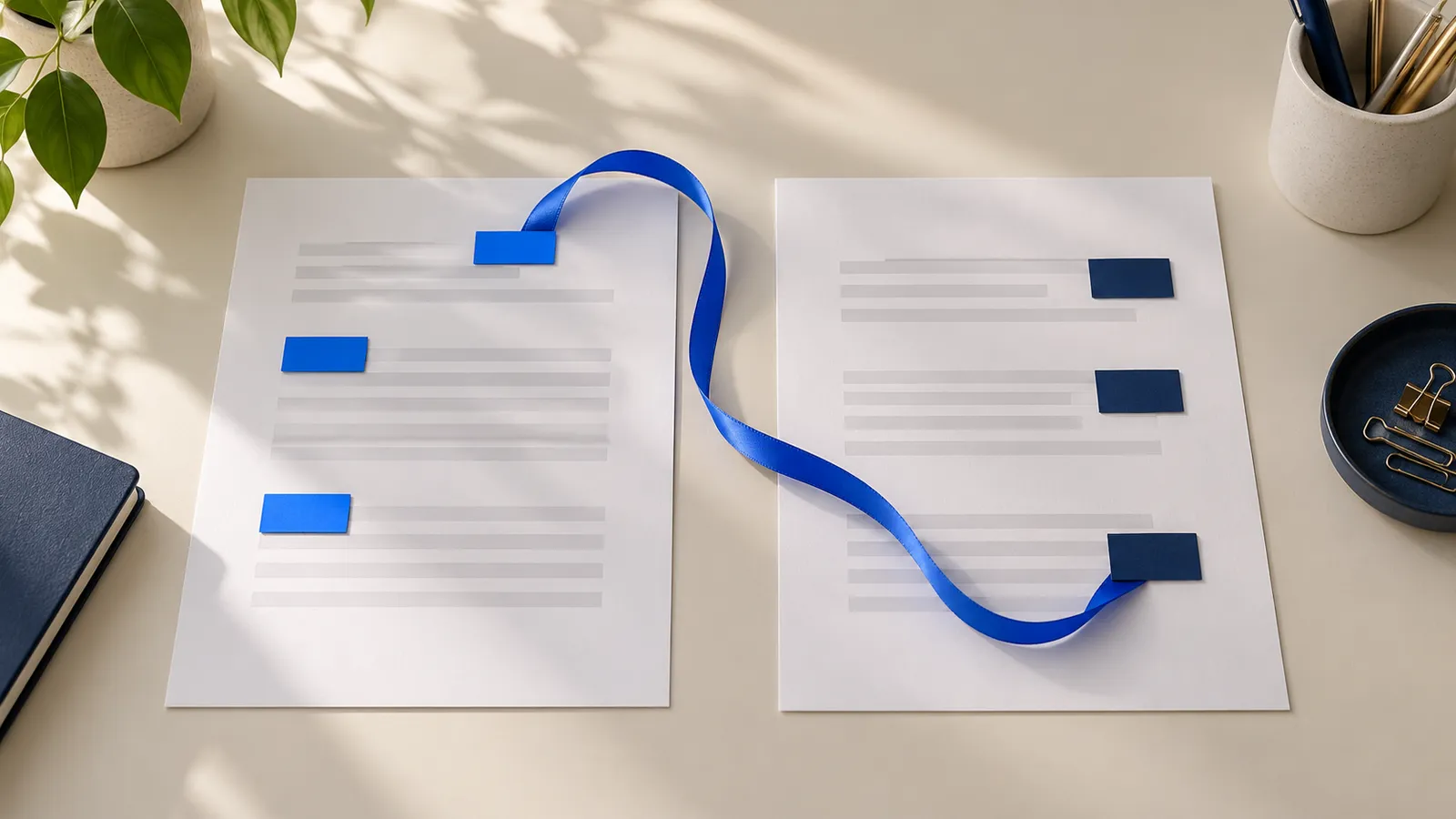
The round trip in five steps
- Make the safe copy. Replace every name, company, address, number and date of birth with a placeholder such as Person_1 or Company_1. The same person gets the same placeholder everywhere.
- Keep the key. The table that says Person_1 is Maria Lopez stays on your computer. It never goes into the chat.
- Ask the AI. Paste the safe copy and your question.
- Bring the answer back. Paste the AI's reply into the tool that holds the key, and replace the placeholders with the real names.
- Read the result. Check it against the original before it goes into a letter, memo or client email.
The first step is covered in how to use AI tools with client documents. This article is about steps 2 to 5.
Write the prompt so the answer is easy to restore
The AI should keep your placeholders exactly as they are. Say so in the prompt:
Person_1 is the tenant, Company_1 is the landlord and Address_1 is the rented flat.
          Use these labels exactly as written in your answer. Do not invent new ones.
Without that line, the AI sometimes shortens a label, adds an article, or starts a new one. It may also write "Person 1" with a space, "person_1" in lower case or "**Person_1**" in bold. A restore step that expects the exact label will miss those variants, so read the result and look for any placeholder that is still in it.
What a restore step should do
A manual find-and-replace works when you have two or three placeholders. With more, it is slow and one slip leaves a placeholder in the text. Whatever you use, the restore should:
- Use the key for the right matter, so Person_1 in one client's file is never replaced with another client's name.
- Accept the variants the AI writes: different capitalization, bold or italic markup, a space instead of an underscore.
- Warn about placeholders that are not in the key instead of guessing. If the AI invents "Person_4" and your case only has three people, you want to be told.
- Leave the original files alone and keep the restored text out of storage unless you save it.
In ClientSafe, you paste the answer into ClientSafe and choose Restore names. You read the restored text next to the list of placeholders that were replaced. A placeholder that is not in the case is left as it is and flagged.
What to check in the restored answer
- Leftover placeholders. Search for "Person_", "Company_" and "_1" patterns. Anything that remains was not restored.
- Invented facts. The AI may attach a detail to the wrong person, or add a fact that is not in the document. Check each claim against the original.
- Grammar after restoration. "Person_1's lease" becomes "Maria Lopez's lease" without trouble. In languages with cases, the restored name may need the right ending, so reread the sentence.
- Merged people. If two people ended up under one placeholder, the AI's answer cannot tell them apart. Look at your review notes and fix the source, then ask again.
- Anything new that identifies someone. If the AI added a guess about who a person is, delete it.
A worked example
You send the AI a safe copy of a lease and ask what the tenant risks. The answer comes back:
Person_1 risks termination if two payments are missed. Company_1 must give written
          notice to Person_1 at Address_1 before ending the lease.
After the restore, on your computer:
Maria Lopez risks termination if two payments are missed. Northwind Ltd must give written
          notice to Maria Lopez at 14 Harbor Street before ending the lease.
Now the answer is something you can paste into an email to the client, once you have checked the legal point itself. Nothing in the chat ever contained the real names.
Follow-up questions
Most work is a conversation. You ask, read, and ask again. Each follow-up should use the same safe copy and the same placeholders. If you have changed the source, for example by marking a name the review missed, make a new safe copy and start a new chat, so the AI is not working from two different versions. Restore each answer against the key for that matter.
Keep the AI conversation and the key apart. The chat holds placeholders. The key holds the names. Anyone with access to only one of them learns little.
Where the round trip breaks
- The key and the text end up in the same chat. Never paste the key to help the AI, however useful it seems.
- The placeholders change between rounds. If you ask a follow-up question next week with a freshly made safe copy, Person_1 may now be someone else. Reuse the same key for the same matter. See one set of placeholders for a whole case.
- A new person appears. If you add a document that introduces a new name, it gets a new placeholder. Restore with the updated key.
- The answer goes straight into a client document. Treat the restored text as a draft until you have read it.
Frequently asked questions
Can I restore an answer a month later?
Yes, as long as you still have the key for that matter. In ClientSafe the key is kept on your PC until you delete the case.
What if the AI changed a placeholder?
It is flagged, not guessed. Fix it by hand or ask the AI to repeat the answer with the labels unchanged.
Does restoring send anything to the AI?
No. It is a step on your computer after you have copied the answer.
Why not ask the AI to use real names?
Because that means sending them. The point of the round trip is that the real names never leave your PC.
ClientSafe keeps one table of replacements per case on your PC and puts the real names back into the AI's answer when you paste it in. Placeholders that are not in the case are flagged instead of guessed. Read the result before you use it.