Reduce Typing Fatigue: How Predictive Suggestions Cut Repetitive Keystrokes
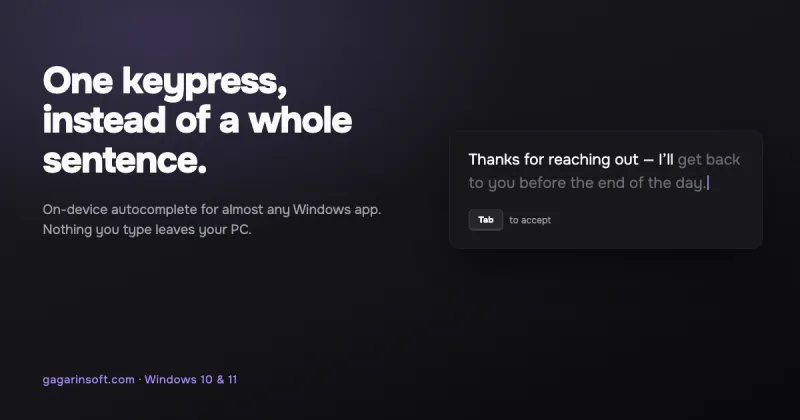
Typing fatigue often comes from retyping the same phrases over and over, not from typing itself.
Articles & guides
Practical guides, tips and answers to common questions. Explore 39 articles. Page 3 of 4.
Typing fatigue often comes from retyping the same phrases over and over, not from typing itself.
An opinion piece on subscription fatigue and why one-time purchase software like Typeahead's $9.99 model still makes sense for small, focused utilities.
Text Blaze keeps snippets on its servers and needs a login. What a Windows expander with no account changes, and where Text Blaze still wins. 7 Sep 2026.
Seven text expanders you can install from the Microsoft Store, with the price and rating each listing showed on 7 Sep 2026 — and the ones that are not there.
Ghost text is the greyed-out inline suggestion you accept with Tab — common in code editors, rare on the rest of Windows.
Before features, one question halves the field: does your text leave the machine? Where Grammarly, Copilot, Lightkey and Typeahead each stand.
Next-phrase prediction doesn't need a giant cloud LLM. Here's why a compact, quantized model in the 600 MB–2.5 GB range is enough to suggest the rest of your…
Memory, battery, disk and latency: what an on-device model for typing suggestions actually costs, and how to pick a size that fits your machine.
Detectors do not know what tool you used. What they measure, what the research says about false accusations, and how to keep your own voice.
Autocomplete works fine in your browser's address bar but goes silent in Word, Slack, or Notepad. This isn't a bug — it's how Windows text fields are built.
Windows' Settings > Devices > Typing > 'Show text suggestions as I type' offers single-word hints on hardware keyboards.
Every Windows text expander falls into one of four categories — and all four share the same limit: they only fire on triggers you defined in advance.