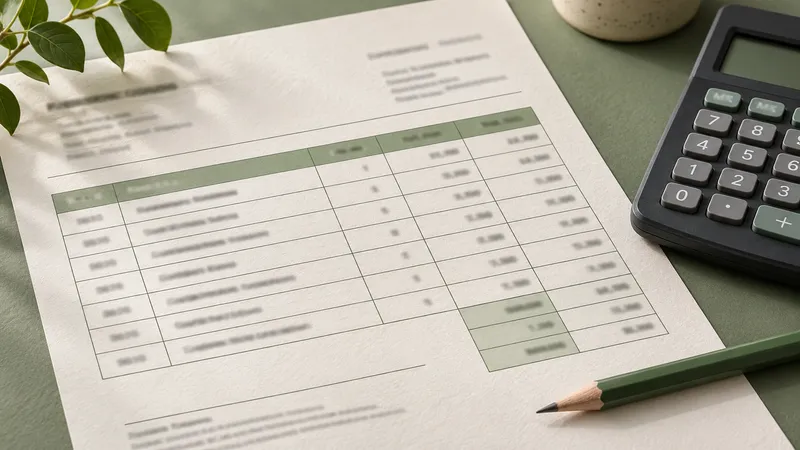
Find the item table in the preview
Look for the rows where each item has a quantity and a unit price. The supplier's address, bank details and payment summary can be left in the original PDF. If an item description wraps onto a second line, check that the preview still associates it with the right quantity and price.
For a scanned invoice, let the app read the page with OCR. Compare the decimal mark, quantity and item code with the scan. A misplaced decimal can turn 12.50 into 125.00, and the row may still look tidy.
Export the selected table to XLSX
Open the workbook in Excel. Check that every billed item has a row and that the quantity, unit price and line total each have their own column. Keep the amounts printed in the PDF in one column and put the amounts you calculate in a separate column. The two columns give you something to compare when a row looks wrong.
Recalculate a line and check the subtotal
In this sample invoice, quantities are in column B, unit prices in C, and the printed line totals in D. Both lines are priced in the same currency, before tax and without discounts.
| Item | Quantity | Unit price | Line total |
|---|---|---|---|
| Cable | 3 | 12.50 | 37.50 |
| Adapter | 2 | 8.90 | 17.80 |
Enter =B2*C2 in E2 and fill the formula down one row. You should get 37.50 and 17.80. The printed line totals add up to 55.30. Compare that sum with the invoice subtotal. When the invoice lists discounts, tax or shipping separately, account for each charge at the place it appears in the original before comparing the amount due.
If a row differs, start with its quantity and unit price in the source PDF. Then check the rows around it for a missing or duplicated item. Correct the export in a working copy and keep the original amounts available for review.
Check item codes before sorting
A code such as 0042 may be how you match the invoice to a purchase order. Check the code as well as the amounts, especially if you use CSV as an intermediate file. See how to preserve leading zeros in Excel. If the items continue across pages, use the multipage PDF table guide to check the rows around each page break.